Signature Background Remover
Upload a photo of your handwritten signature — the AI lifts the ink off the paper and hands you a transparent PNG, ready to drop into PDFs, Word documents, and DocuSign. Free, online, no signup.
No image handy? Try a sample (doesn't count toward your daily limit):
The result defaults to a transparent background — exactly what e-signing needs. Want white instead? One click on the palette. 2 free images a day, no account needed.
Why Remove a Signature Background With BackGone
Built for real ink on real paper — not a generic magic wand.
Ink edges stay crisp
The AI separates strokes from paper by what they are, not just by color — paper texture, shadows, and creases go away while every pen stroke keeps its clean, anti-aliased edge.
Transparent PNG, e-sign ready
The download is a transparent-background PNG — drop it straight into Word, Google Docs, any PDF editor or DocuSign without a white box around your signature.
Seconds, no software
No Photoshop, no scanner, no signup. Snap a phone photo of your signature and get a usable signature image in seconds — free, 2 images a day anonymously.
Real Ink, Real Paper, Really Gone
Signatures and handwriting processed by our production AI. Compare the original photo, the transparent cutout, and a white-background composite.
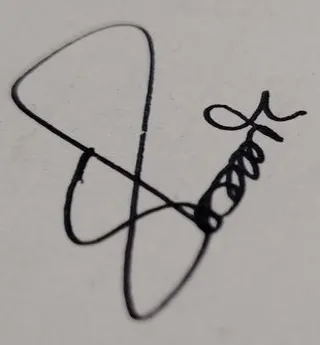
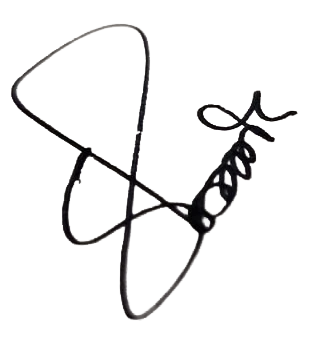

Black pen signature on white paper — paper and pen shadow gone, every stroke intact.
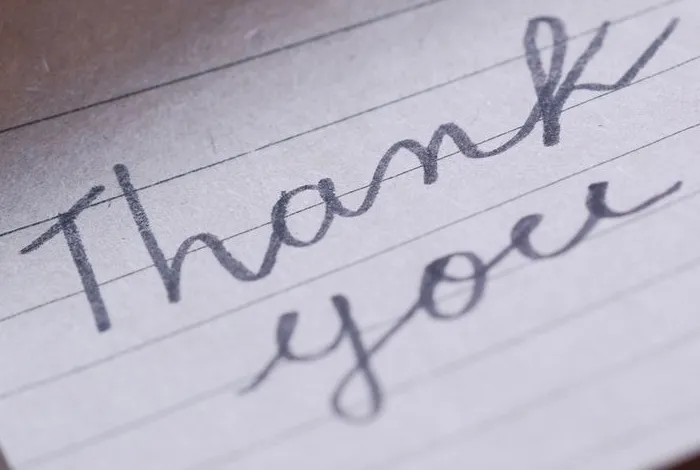
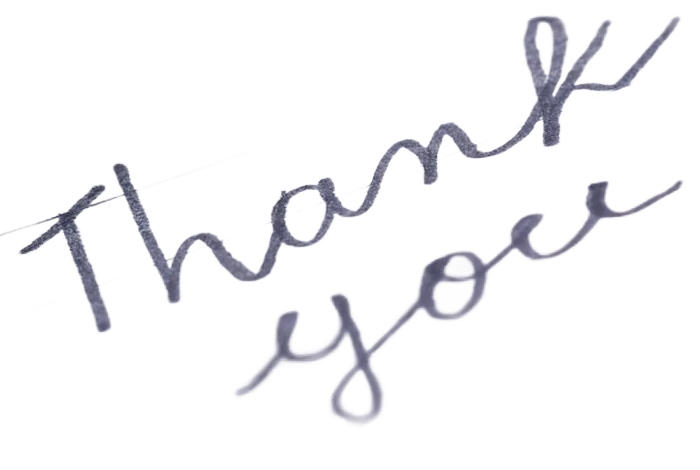

Pencil-gray cursive on lined paper — lines and kraft envelope removed, pencil texture kept.
It Even Lifts History Off the Page
Public-domain signatures of U.S. presidents, processed by the same engine as the tool above — three centuries of ink, from quill flourishes to felt-tip marker.
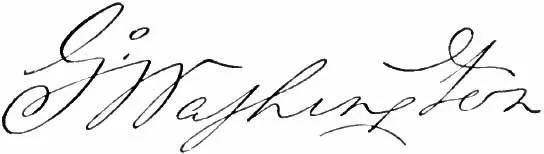 Original
 Transparent
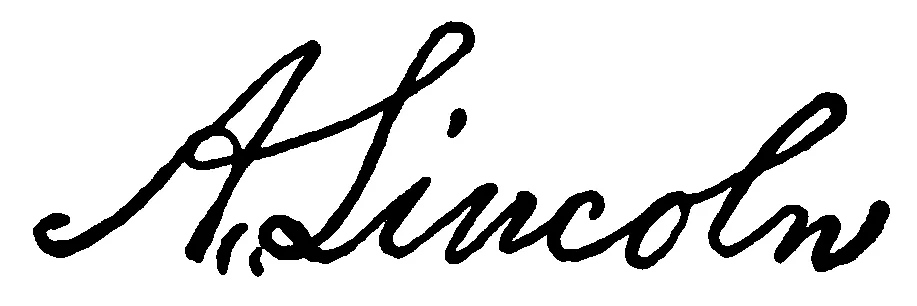 Original
 Transparent
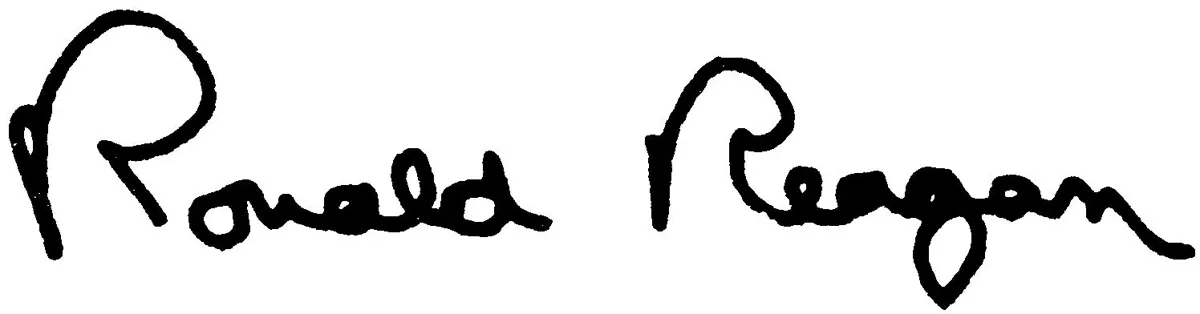 Original
 Transparent
How to Remove a Signature Background
Three steps from paper to an e-sign-ready PNG — no scanner, no account.
1Photograph your signature
Sign on plain white paper with a dark pen, then photograph it in even, indirect light — avoid shadows across the paper. Cropping to just the signature gives the cleanest result.
2AI lifts the ink off the paper
Upload the photo — the model detects the ink strokes and removes the paper, its texture, and any shadows, keeping edges smooth. Most photos finish in 1 to 7 seconds.
3Download your signature PNG
Get a transparent PNG that drops straight into PDFs, Word, or DocuSign — or tap a swatch to put it on white. The file keeps your original filename with a -nobg suffix.
Where a Transparent Signature Pays Off
Photograph your signature once, sign every document digitally.
E-signing PDFs & DocuSign
A transparent PNG stamps cleanly onto any page — no white rectangle covering the document text. Drag it into Adobe Acrobat, Preview or your DocuSign signature library.
Contracts & paperwork
Sign offers, invoices, and forms without printing. Insert your signature image into Word or Google Docs, place it on the signature line, then export as PDF.
Design digitization
Turn handwritten logos, calligraphy, and lettering into reusable assets — overlay them on photos, packaging mockups, or video without re-tracing in Illustrator.
Personal branding
A real handwritten sign-off in email footers, thank-you cards and portfolios reads far more personal than a typed name in a script font.
Remove the background from a PDF signature
If your signature only exists inside a PDF, this signature background remover can't open the document itself — uploads are images only (PNG, JPEG or WebP, up to 10 MB), and PDF upload is not supported. The way through: to remove the background from a signature in a PDF, first turn the signature into an image. Zoom into the signature and take a screenshot, or export the page as PNG or JPG with any PDF reader, keeping the crop tight around the signature — a close crop gives the cleanest result. Then upload that image: a transparent PNG out, ready to stamp back onto the PDF.
A whole folder of signature scans to clean up? The background removal API runs the same engine in a loop — prepaid credits from $0.02 per image, no free tier.
E-signature and digital signature: what a transparent PNG is (and isn't)
A transparent PNG of your signature is exactly that — an image. It is what most e-signing workflows ask for when you "draw or upload a signature": Word, Google Docs, PDF editors and DocuSign all stamp it onto the page like a picture.
A digital signature in the cryptographic sense is something else: a certificate-based mechanism, issued by a trust provider, that verifies identity and detects tampering. A signature image proves nothing about identity by itself, and whether an inserted signature image is accepted for a given document depends on the document type, the parties and the jurisdiction. We can't offer legal advice — for contracts that matter, check the requirements that apply to yours.
Want to see the placement before you commit? After the cutout, open the document preview to place your signature on a photo of the actual contract — free, and the document never leaves your browser.
Signature Background Remover FAQ
E-signing, photo tips, quality, and privacy — answered.
Remove your first background now
Remove a background with AI in seconds — upload a photo and get a transparent PNG. Free, no signup, no watermark.