Change Photo Background to Any Color
Upload any photo — the AI cuts out the subject, then pick from 35+ background colors or dial in a custom hex. White for marketplaces, blue for ID photos, anything you like for social. Free, online, no signup.
No image handy? Try a sample (doesn't count toward your daily limit):
No color is pre-selected — the full palette opens with your result, and swapping colors is instant and unlimited. 2 free images a day, no account needed.
Why Change Your Photo Background With BackGone
More than background removal — a one-click background swap, with the colors real projects actually need.
35+ preset colors, one click each
A curated palette covers the standards — pure white for Amazon and Shopify, ID-photo blues and reds, studio grays, and pastels — plus the full Material palette for creative work.
Custom picker for exact brand hexes
Need #FF5733 exactly? The built-in color picker accepts any value — match your brand palette, campaign creative, or website theme precisely.
Instant swaps, composited in your browser
The AI cutout happens once — after that, recoloring is instant. Try every color in the palette on the same photo: no re-upload, no wait, no extra quota.
One photo, any background
Real photos processed by the same engine that powers the tool above. Compare the original, the transparent cutout, and a clean white background — then picture it in the color you need.
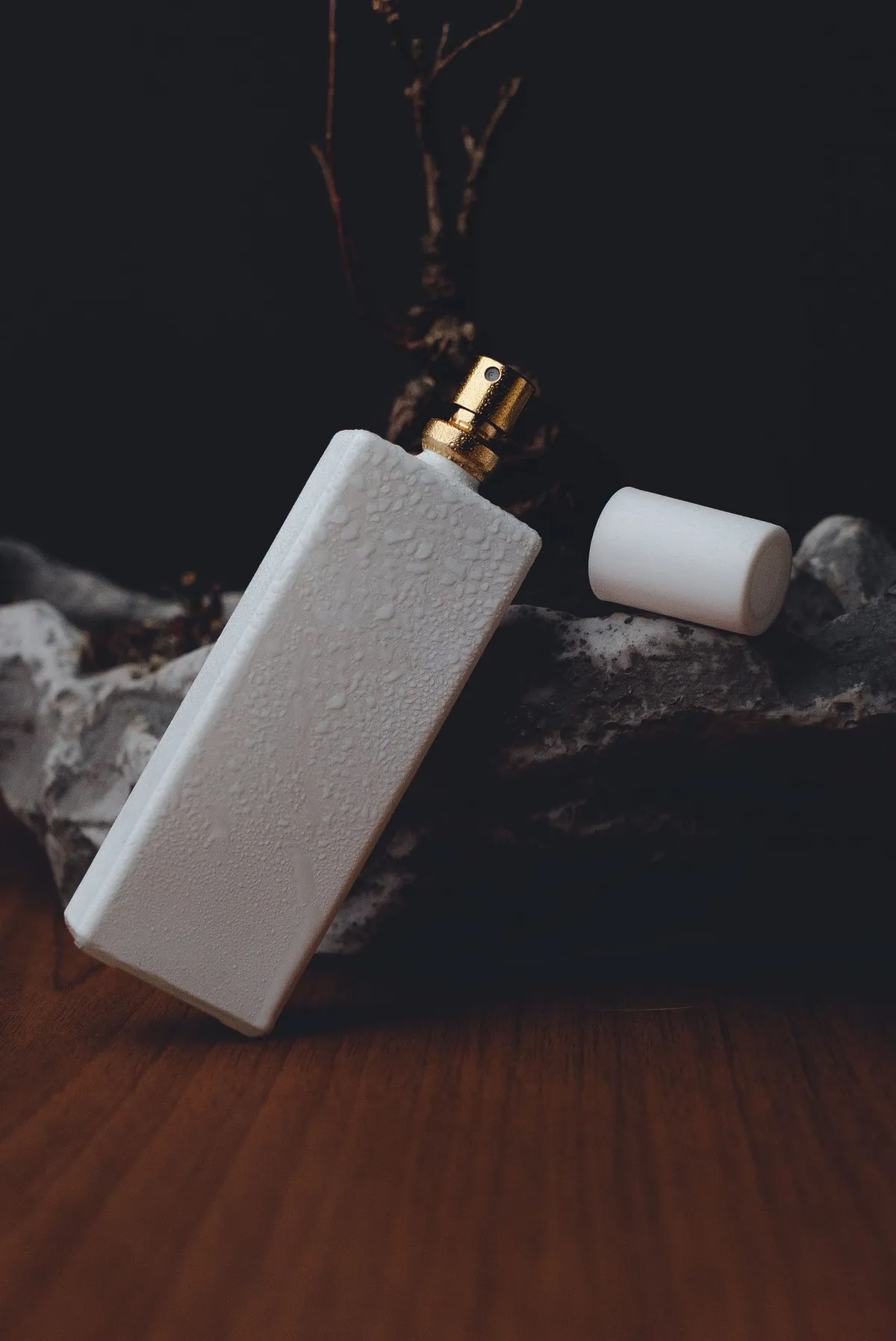
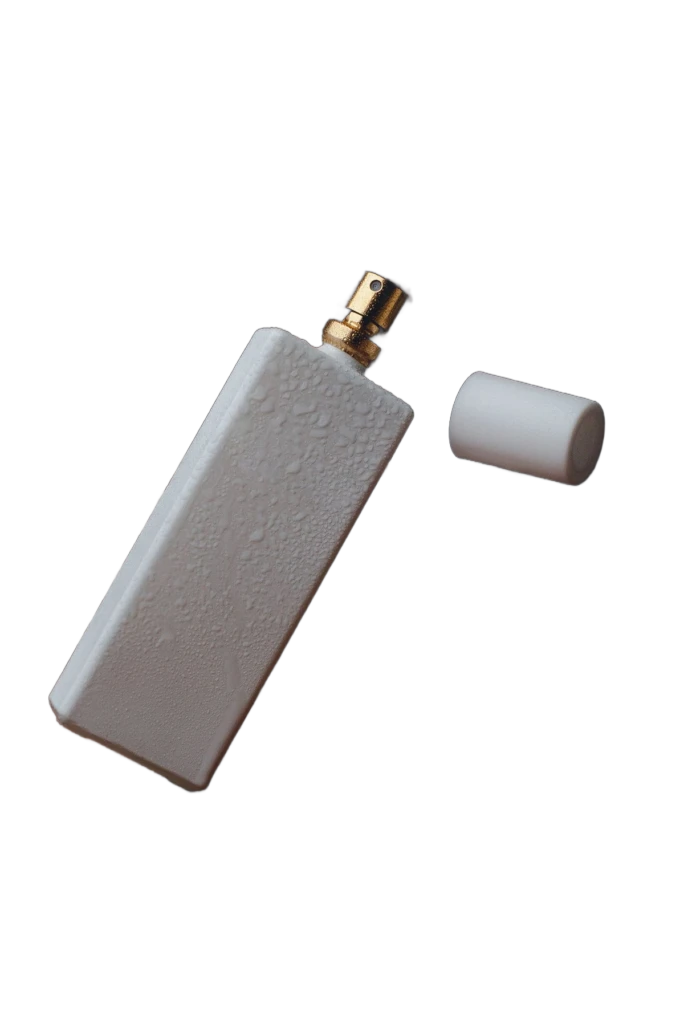
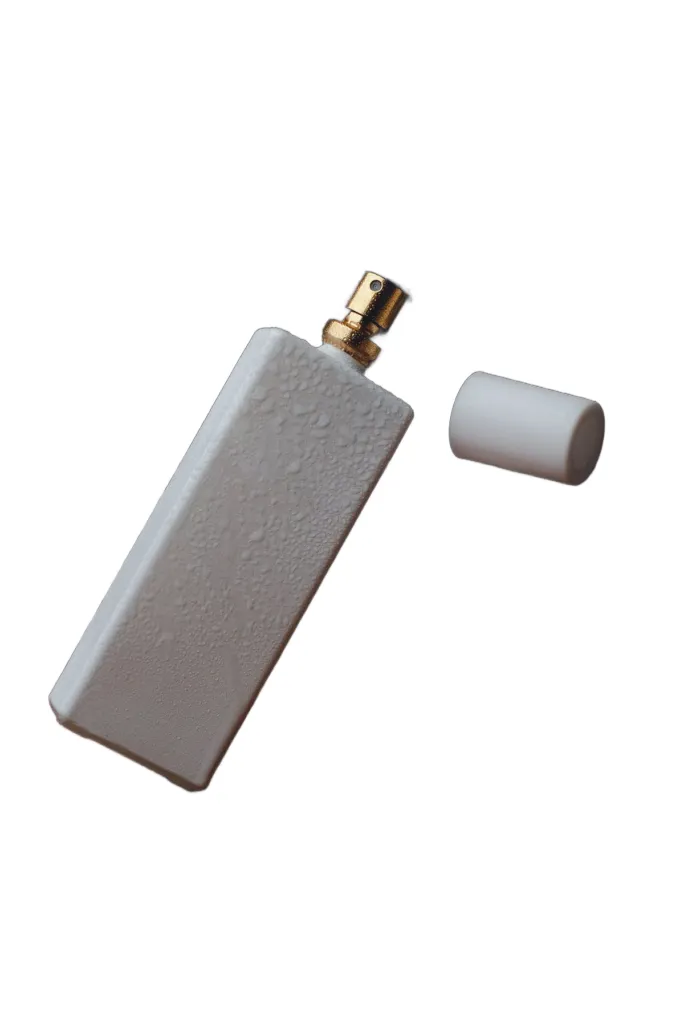
Glass, gold, and a loose cap — product photos that come out listing-ready.
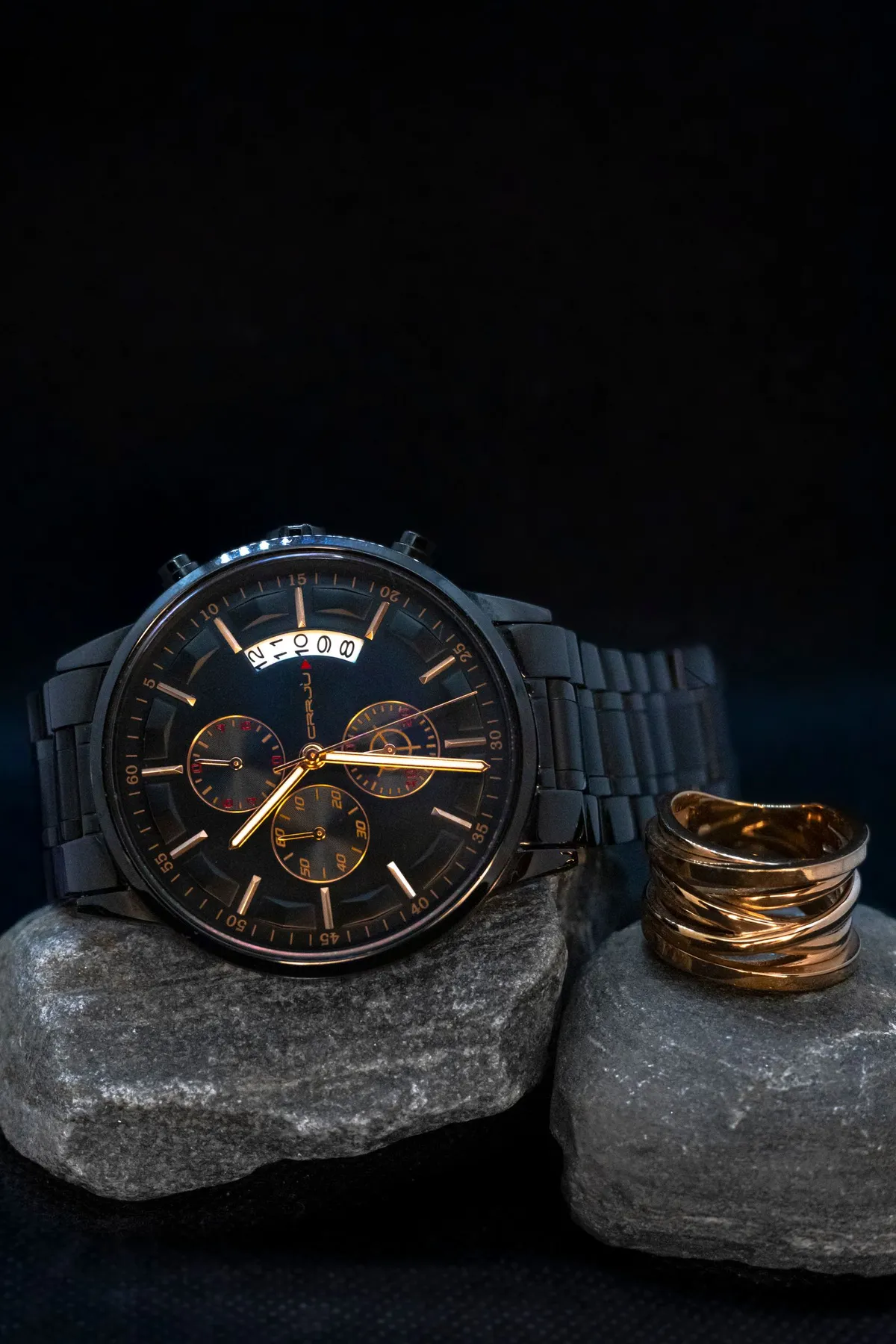
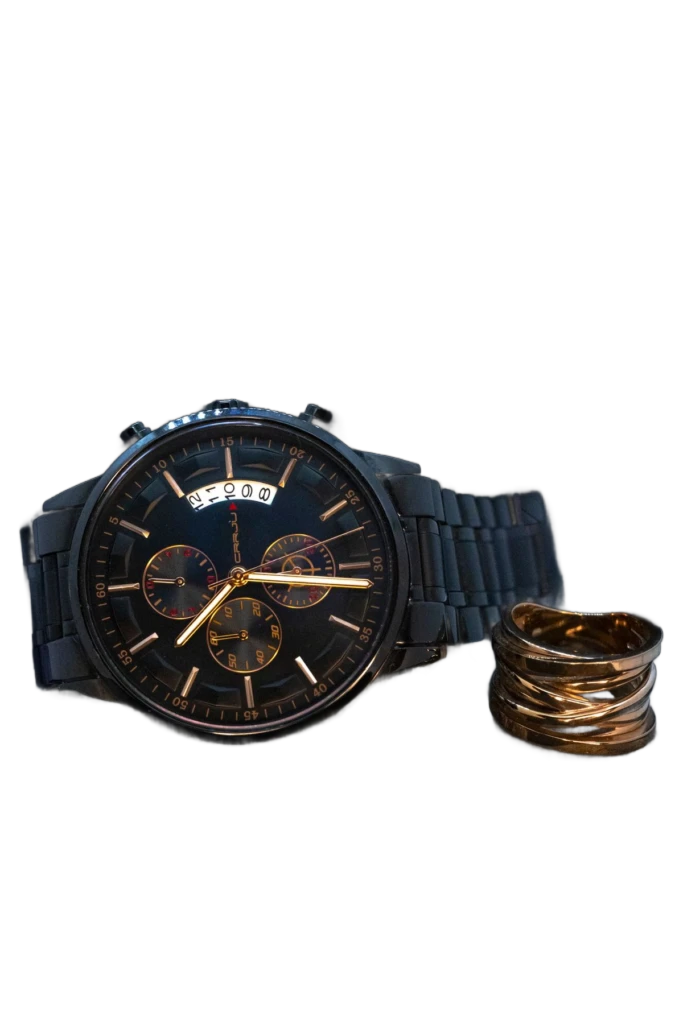
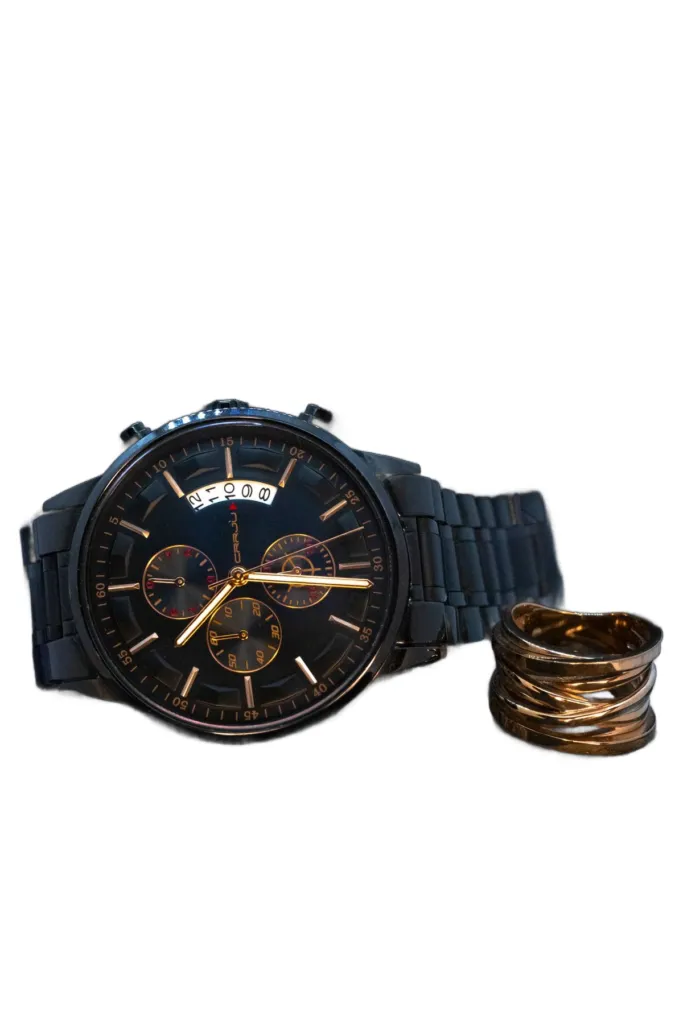
Dark-on-dark is no problem — the chronograph separates cleanly from the rocks.
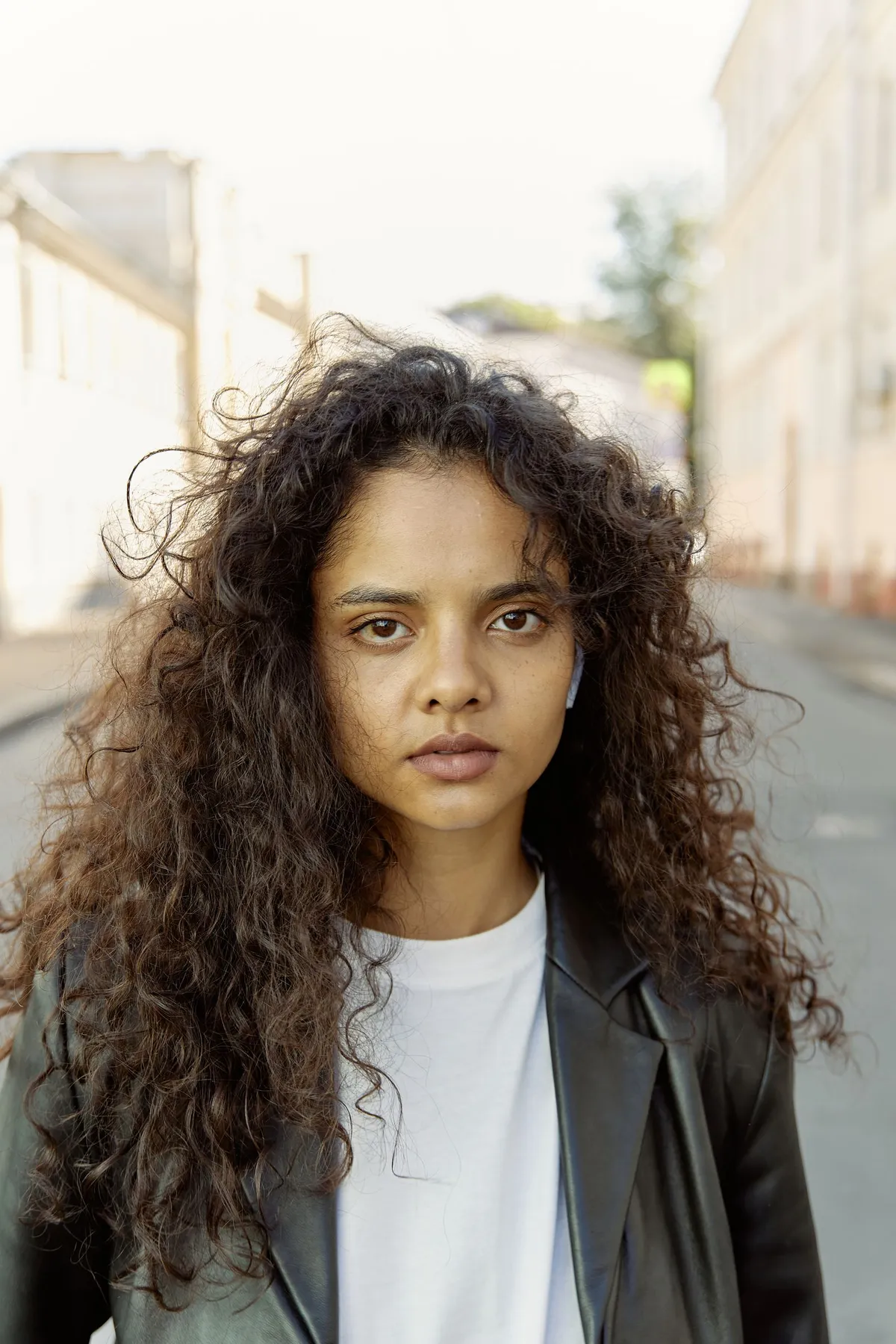
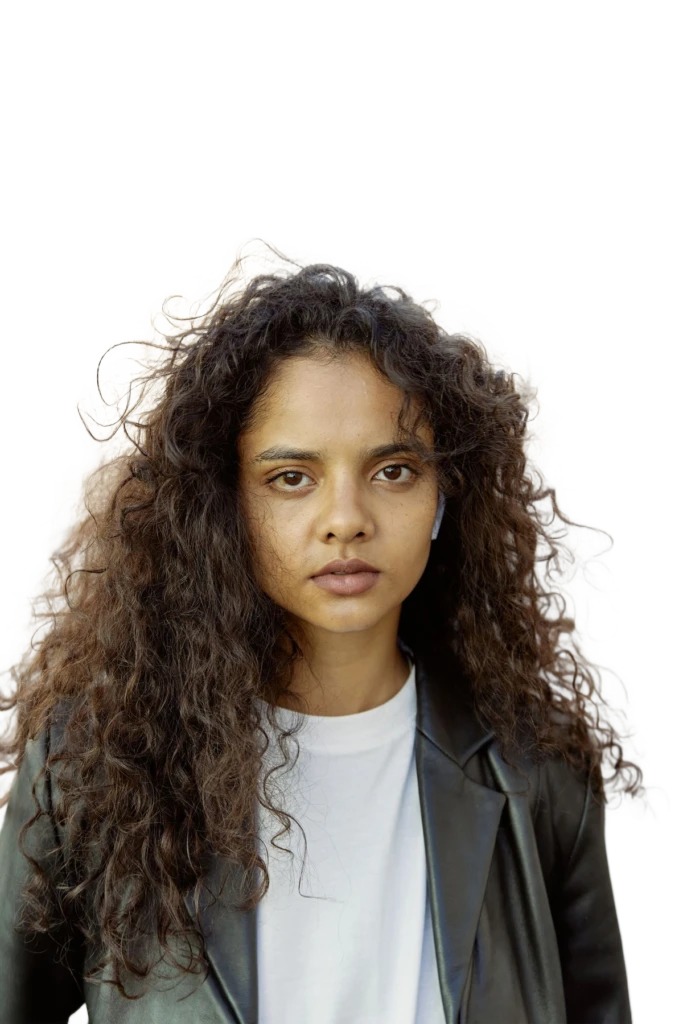
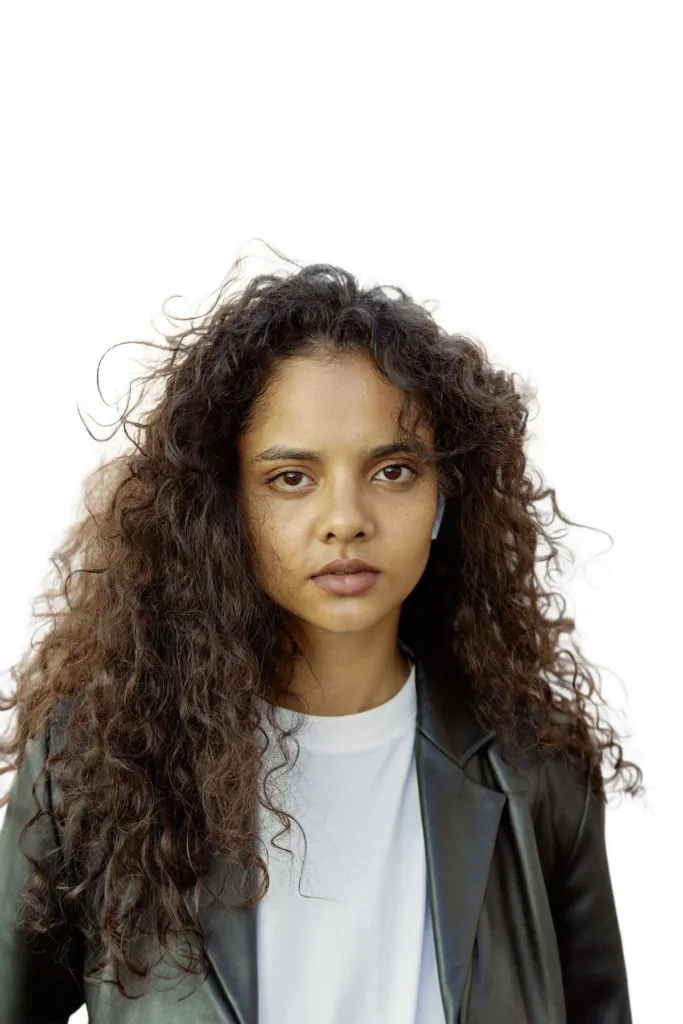
Voluminous curls stay intact — one of the hardest cases in background removal.
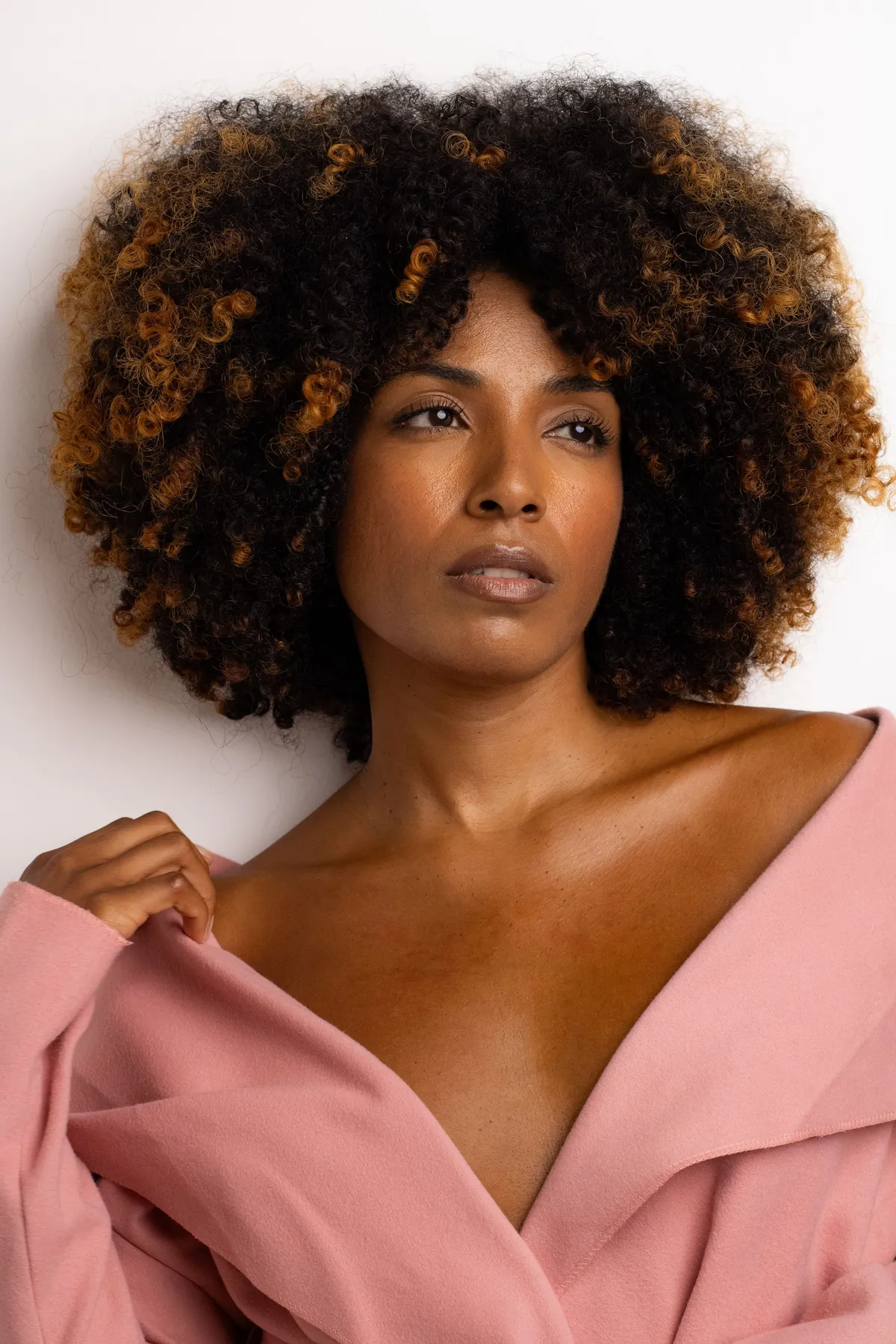
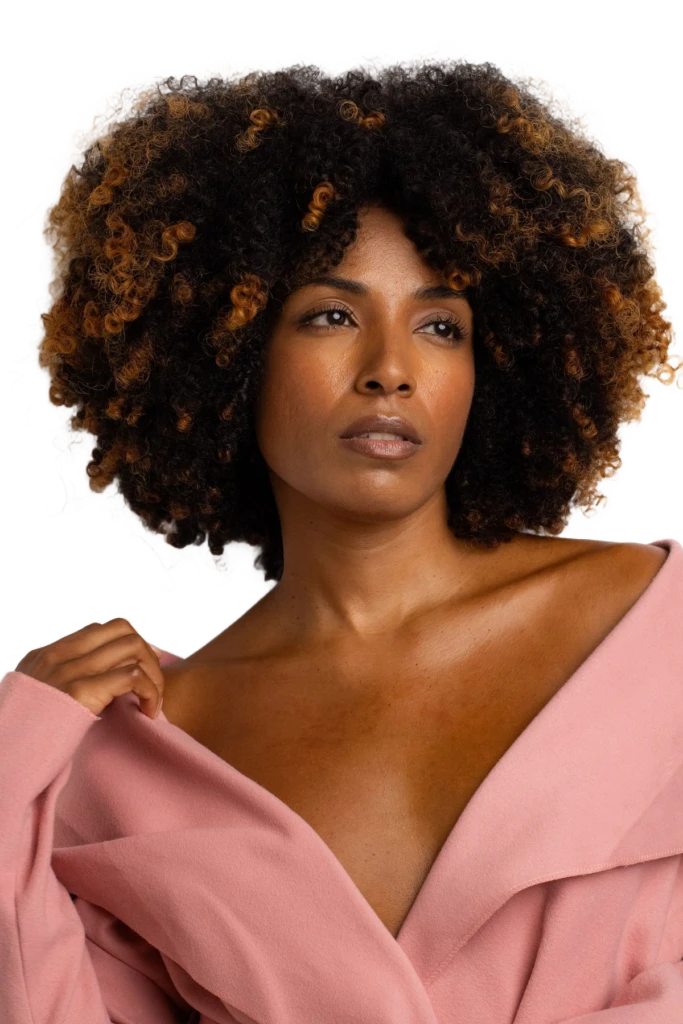
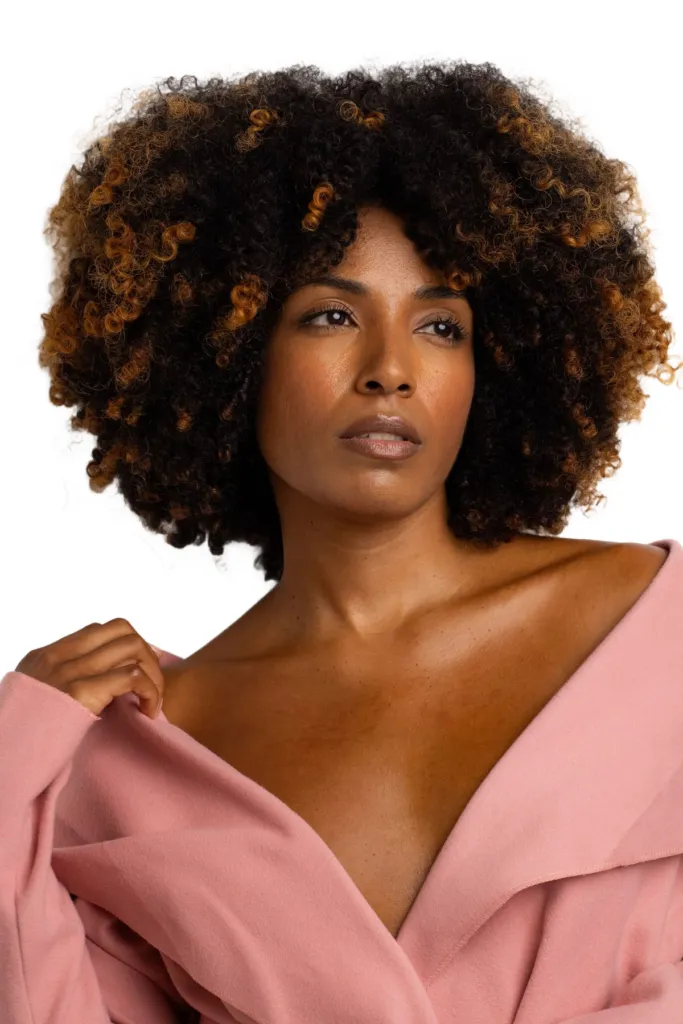
Dense coils against a studio wall — curl by curl, nothing lost.
How to Change a Photo Background
Three steps, no software to install, no account to create. Works for product shots, portraits, and everything in between.
1Upload your photo
Click, drag & drop, or paste a PNG, JPEG, or WebP up to 10MB. Busy street backgrounds, studio shots, old scans — the AI handles them all.
2AI removes the background
The model detects the subject and cuts it out with pixel-precise edges — hair, fur, glass, and fine product details included. Most photos finish in 1 to 7 seconds.
3Pick a new background color
The palette opens with 35+ colors — click any swatch to preview instantly, or use the custom picker for an exact hex. Download the composite or the transparent PNG.
Change Photo Backgrounds for Every Use Case
One upload, unlimited color swaps — wherever a specific background color is the standard.
E-commerce white backgrounds
Amazon requires pure white main images; Shopify and eBay recommend them. Turn supplier photos and phone shots into compliant listings in one click.
ID photo background colors
Passports, visas, and work badges demand specific plain backgrounds — white, blue, or red depending on the country. Swap to the exact shade without a re-shoot.
Social media avatars
A portrait on a bold brand color stands out in feeds and stays legible at tiny avatar sizes. Match your profile theme across every platform.
Seasonal & campaign creatives
Holiday red, Valentine's pink, sale-season yellow — reuse the same product cutout for every campaign without booking another shoot.
Blue, black, red or blurred: popular background swaps
The four looks people search for most — every one is already in the tool above: free, instant, and composited locally in your browser.
Blue background
#438EDB sits on the palette's front row, and More colors adds #0066CC and #DCEAF5 — the classic ID-photo blues. Blue reads official and professional: visa-style ID photos, corporate headshots, profile pictures.
Black background
Pure #000000 is on the front row. On black, product shots and portraits get a stage-like, high-contrast look — jewellery, watches and glassware pop against it.
Red background
#FF0000 is on the front row, with #F44336 under More colors — the red several countries use for ID photos, and a bold color for campaign creatives.
Blurred background
Not a color at all. In the tool's Background effects group — the edit panel on desktop, the bottom panel on mobile — choose Blur and drag the 0–40 px slider to soften your original backdrop behind the cutout, portrait-mode style.
All four are free on every plan: recoloring and effects are composited locally in your browser, so they spend no AI credit and swaps are unlimited. The only paid difference is resolution — free downloads are capped at 1024px, paid plans unlock full resolution.
Change photo background FAQ
Colors, quotas, quality, and privacy — answered.
Remove your first background now
Remove a background with AI in seconds — upload a photo and get a transparent PNG. Free, no signup, no watermark.