Passport Photo Background Remover
Upload a portrait, remove the background, and get an ID photo with a white, blue, or red background — cropped to the exact size you need: one-inch, two-inch, US passport 2×2 inch, visa 35×45mm, and more.
Free, no signup — 2 photos per day anonymously, 5 per day with a free account (shared with the background remover quota). Paid plans use credits: 1 credit per photo, with print layouts, custom sizes, and batch processing included.
ID photo sizes — one-inch, two-inch, US passport & visa photo dimensions
Every preset crops to standard ID composition — subject at about 70% of the frame with proper headroom — and exports at the exact pixel size.
| Size | Pixels | Commonly used for |
|---|---|---|
| One-inch25×35mm | 295 × 413 px | Standard Chinese ID, resume, and exam photos |
| Large one-inch33×48mm | 390 × 567 px | Chinese passport and visa applications |
| Two-inch35×49mm | 413 × 579 px | Chinese official documents and certificates |
| US Passport2×2 inch | 600 × 600 px | US passport and US visa (both 2×2 in) |
| Schengen visa35×45mm | 413 × 531 px | Schengen visa; German, Italian, Japanese, Korean, Australian and New Zealand passports |
| Canada50×70mm | 591 × 827 px | Canadian passport photos (printed) |
| Indiaonline submission | 630 × 810 px | Indian passport photos |
| Singaporeonline submission | 400 × 514 px | Singapore passport and visa photos |
Need another size? Paid plans unlock custom pixel dimensions — from 100×100 up to 3000×3000.
Before you pick a preset: the rules differ by country
Editing is not allowed everywhere. The UK Home Office accepts a photo whose background was edited (shadows or marks removed) but rejects any enhancement of your face; the US, Canada, Germany, Australia, New Zealand, Korea, China and India restrict or prohibit software or AI editing of the photo.
Background colour and photo age differ too: France forbids a white background (light blue or light grey instead), New Zealand asks for “not white” on its paper form, a UK passport photo must be from the last month, and a Spanish DNI photo can be up to 2 years old.
This tool replaces the background with a solid colour and crops to the preset. It does not retouch or reshape your face, and it cannot guarantee that an authority will accept the photo.
Passport photo background colors by country — white, blue, red & more
Different countries want different backgrounds. Pick the color your application asks for, and the tool composites it behind your subject instantly — including the exact blue used for ID photos in China.
| Country / region | Background requirement | Colors |
|---|---|---|
| China | Red, blue, or white depending on the document — passport and visa photos are usually white or blue | |
| United States | Plain white or off-white for passport and visa photos | |
| United Kingdom | Plain light gray or cream | |
| Germany | Plain light gray; no patterns or shadows | |
| France | Light gray or light blue | |
| Schengen area | Plain light-colored background, usually light gray |
Requirements change — always confirm the current photo rules with the agency or embassy you are applying to before you print.
White, blue, or red — switch in one click
The three most requested ID photo backgrounds. Pick one and the tool above pre-selects it — upload your photo and the color is composited behind you instantly.
White background
The default for most passports and visas — US, UK, Schengen, Australia, Japan and more.
Blue background
China's standard ID blue — common for résumés, graduation and exam registrations.
Red background
Used for some Chinese documents — marriage registration and certain certificates.
Requirements vary by document and country — check the table above before you decide. See country requirements
4×6 in print layout — 6 or 8 ID photos on one sheet
Paid plans turn one ID photo into a print-ready 4×6 in sheet (1800×1200 at 300dpi), so any photo kiosk or home printer can produce a full set in a single print.
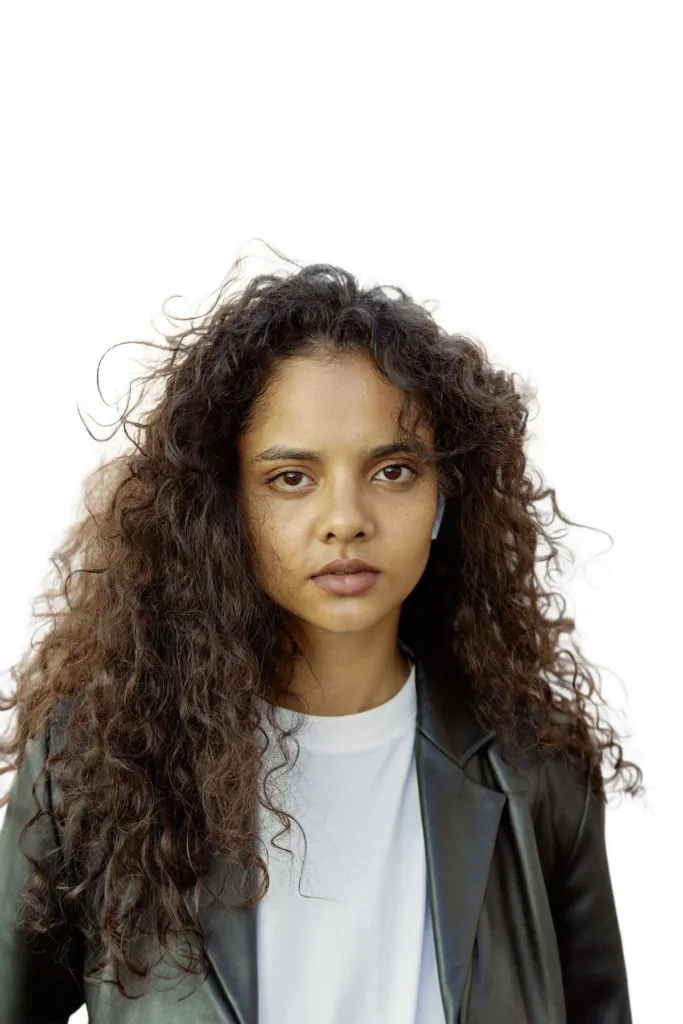
A 6-up 4R sheet — one print at any kiosk or home printer gives you the whole set.
Print-ready 4R sheets
Choose a 6-up or 8-up layout and download one 1800×1200 PNG at 300dpi. Photos are placed at their actual print size with even margins — just send the file to any photo printer.
Standard ID composition, automatically
The subject is detected in the transparent cutout and framed so it fills about 70% of the height with 10–15% headroom — the composition passport and visa offices expect, with no manual cropping.
Batch processing for the whole family or team
Paid users can drop in multiple portraits at once. Each photo costs 1 credit and gets the same crop, size, and background — then download them individually or as one ZIP.
How to make an ID photo online
From a casual portrait to a cropped, colored ID photo in under a minute — no software to install.
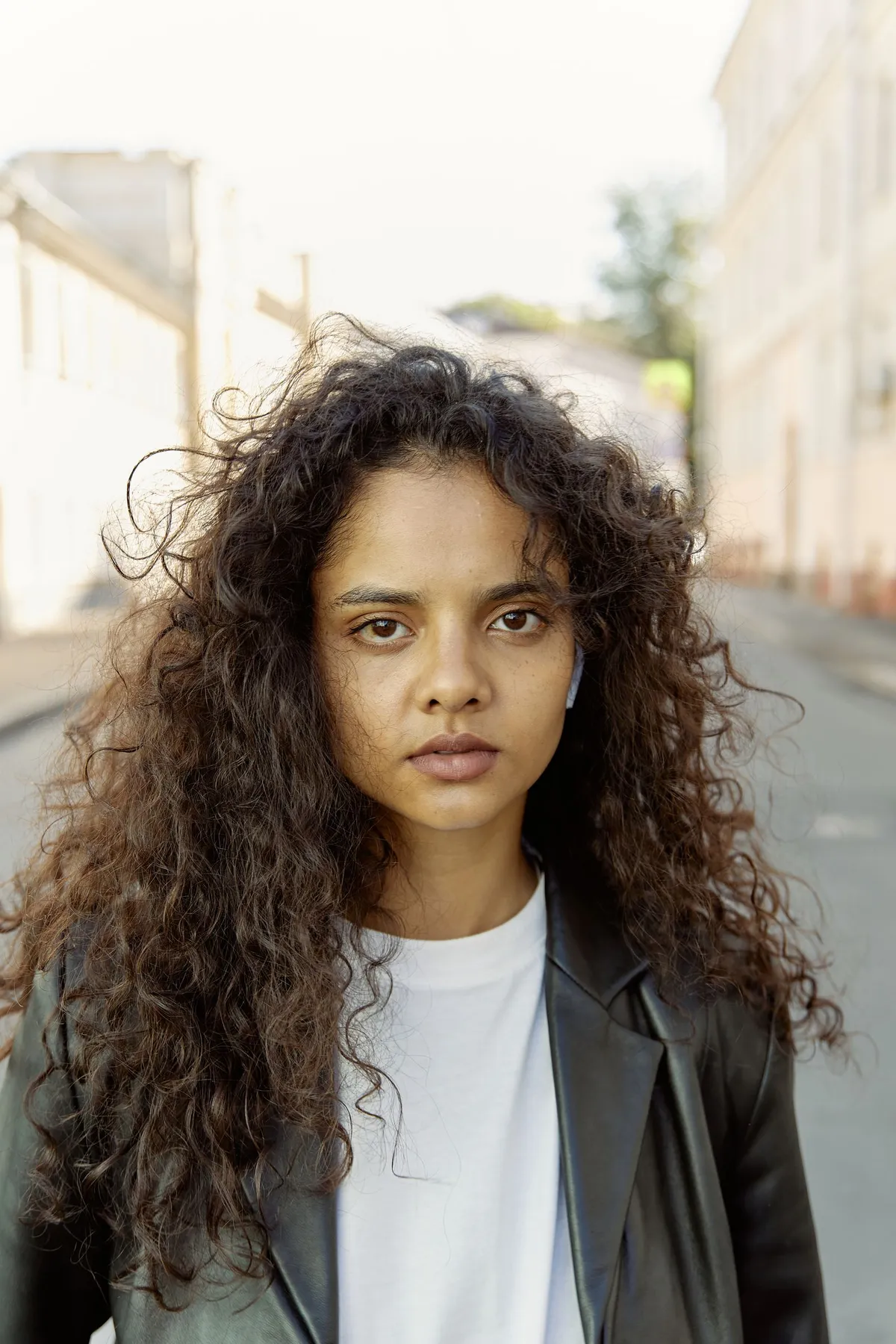 1
1Upload a portrait
Use a recent photo where you're facing the camera in even light. The tool cuts you out of whatever's behind you and returns a transparent cutout.
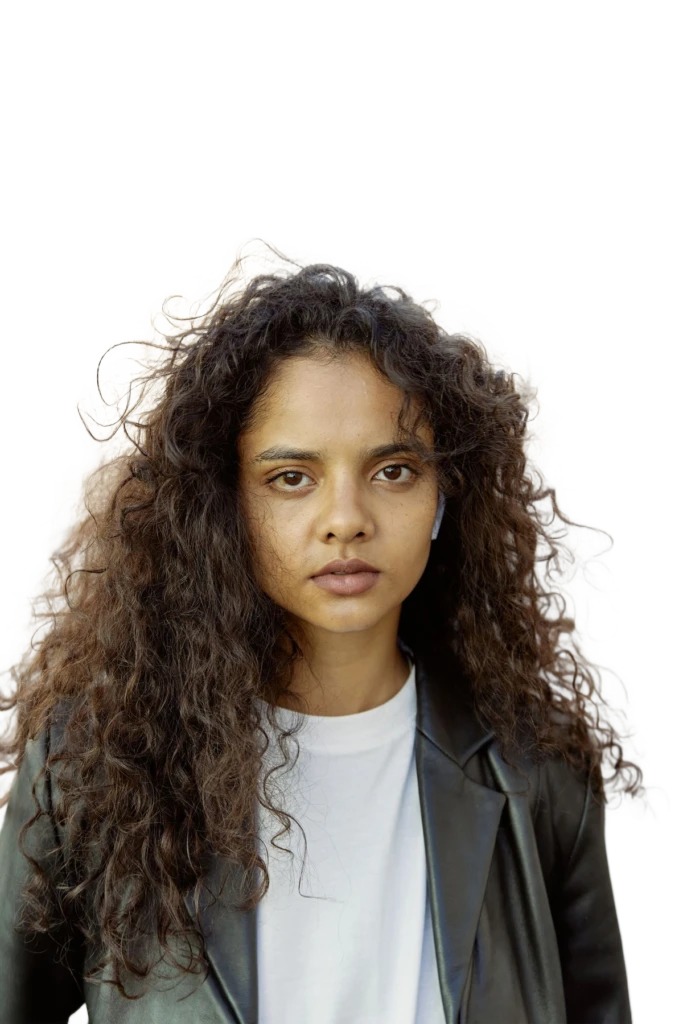 2
2Pick a size
Choose one-inch, two-inch, US passport, visa, or a custom pixel size. The tool finds your head and shoulders in the cutout and crops to standard ID composition automatically.
3Pick a background color and download
White, ID-photo blue, red, light gray, or any custom color — preview every option instantly, then download the finished photo or a print-ready 4R sheet.
White background passport photo online, free
Everything up to the download is free: upload a portrait, the AI cuts you out, white is pre-selected as the background, and every size preview (one-inch, two-inch, US 2×2, Schengen 35×45mm) costs nothing to try. A single-photo download is free within the shared daily quota — 2 photos a day without an account, 5 a day signed in, capped at 1024px on the longest side, which prints fine at ID-photo size.
What is paid: full-resolution downloads, custom pixel sizes, batch processing, and the 4R print layout (6 or 8 photos on one 4×6 in sheet at 300dpi) — each photo costs 1 credit, from either a monthly plan or a credit pack that never expires.
Where is white actually required — and where isn't it? Three official sources we rely on:
- United States — plain white or off-white (US Department of State photo rules)
- China — white for passport photos (Chinese consulate photo requirements)
- United Kingdom — plain cream or light grey, not white (UK passport photo rules)
France goes the other way — a white background is forbidden (French official guidance). Whatever the country, confirm with the authority you are applying to — the country table above sums up the common cases.
Change the background of a passport photo online
The whole job runs on this page, in the browser: upload a recent portrait and the AI returns a transparent cutout; pick a background — white, Chinese ID blue (#438EDB), deep government blue, Chinese red, light grey, or any custom hex; pick a size and the crop to standard ID composition happens automatically; download the finished photo. Blue and red are mostly Chinese-document use cases (résumés, exams, marriage registration); passports and visas are overwhelmingly white or light.
The cutout can only be as good as the photo you feed it — even light, head-and-shoulders framing, no shadows across the face. Our professional headshot guide covers the shooting side. Not an ID photo? For products and general photos, the white background toolis the better fit, and for non-ID color swaps the change photo background tool has 35+ presets.
Passport photo background FAQ
Sizes, colors, print layouts, and what this tool does — and doesn't do.
Remove your first background now
Remove a background with AI in seconds — upload a photo and get a transparent PNG. Free, no signup, no watermark.