Remove White Background
Upload any image and remove the white background in seconds — or replace any background with pure #FFFFFF white for marketplace-ready product photos. Free, online, no signup.
No image handy? Try a sample (doesn't count toward your daily limit):
White is pre-selected in the palette — download a transparent PNG or a pure white background image in one click. 2 free images a day, no account needed.
Why Product Photos Need a Pure White Background
A clean white background is the default language of ecommerce — marketplaces require it, shoppers trust it, and catalogs built on it stay consistent everywhere.
Every major marketplace recommends it
Amazon mandates pure white for main images, while Shopify, eBay, and Etsy all recommend clean, light, distraction-free backgrounds. One white-background master image works across every channel.
White backgrounds convert better
Shoppers focus on the product, not the scene. Consistent white backgrounds remove visual noise, make colors and details read accurately, and are the standard at every top-converting store.
A consistent, professional catalog
When every listing shares the same white background, your store grid, ads, and social posts look designed — and reusing one master cutout for banners or lifestyle mockups takes minutes.
From Any Background to Pure White
Real product photos processed by the tool above — from the original shot to a marketplace-ready pure white background.
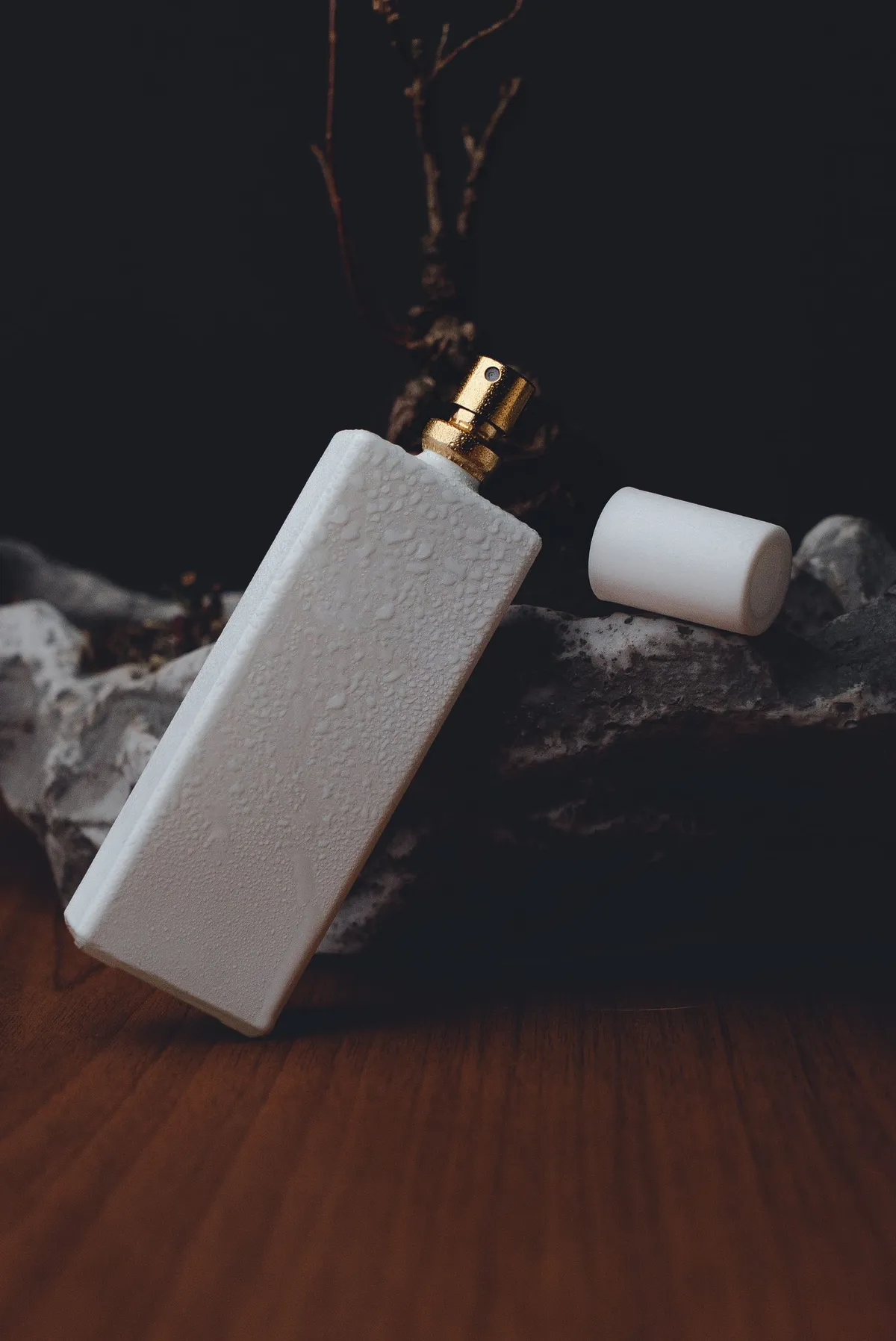
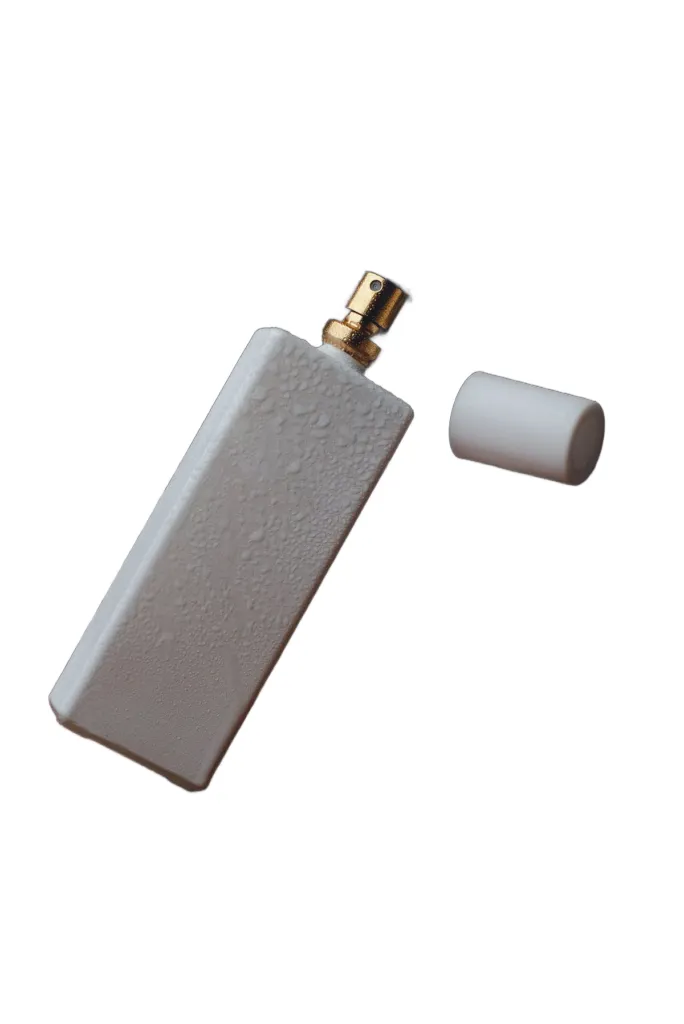
Glass, gold, and a loose cap — product photos that come out listing-ready.


Dark-on-dark is no problem — the chronograph separates cleanly from the rocks.
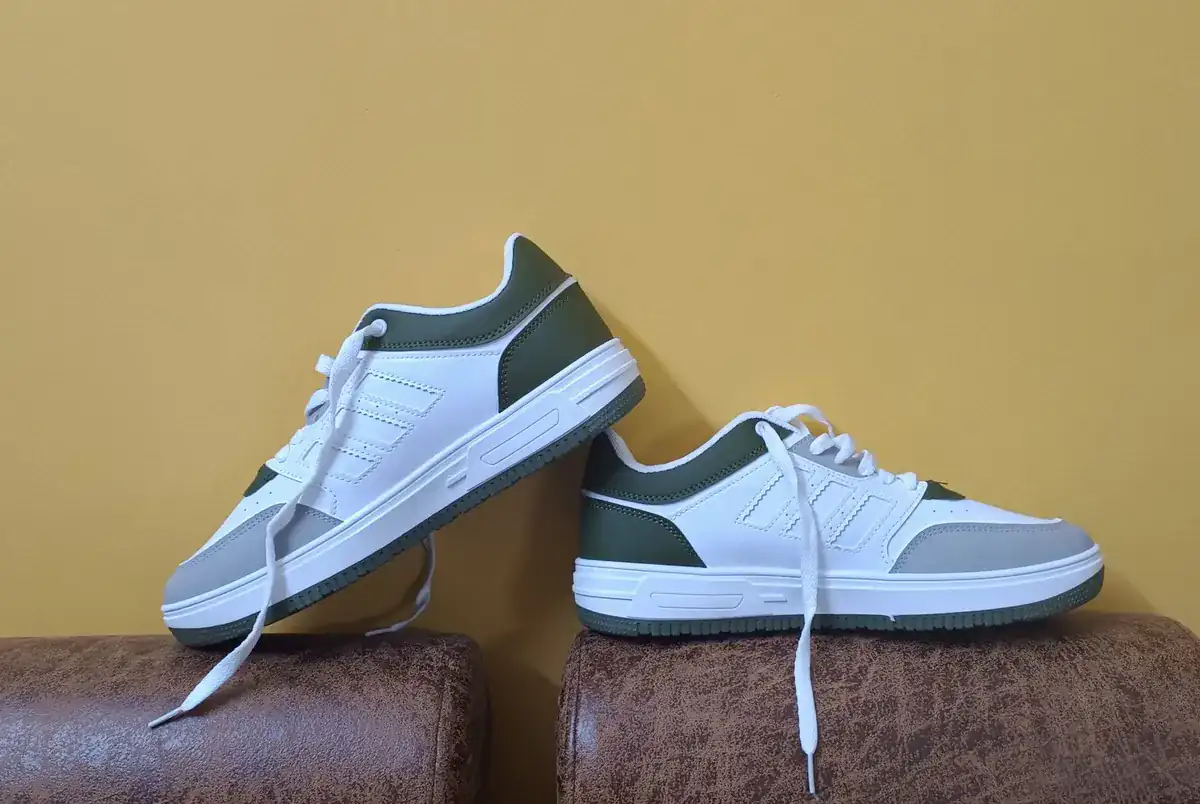
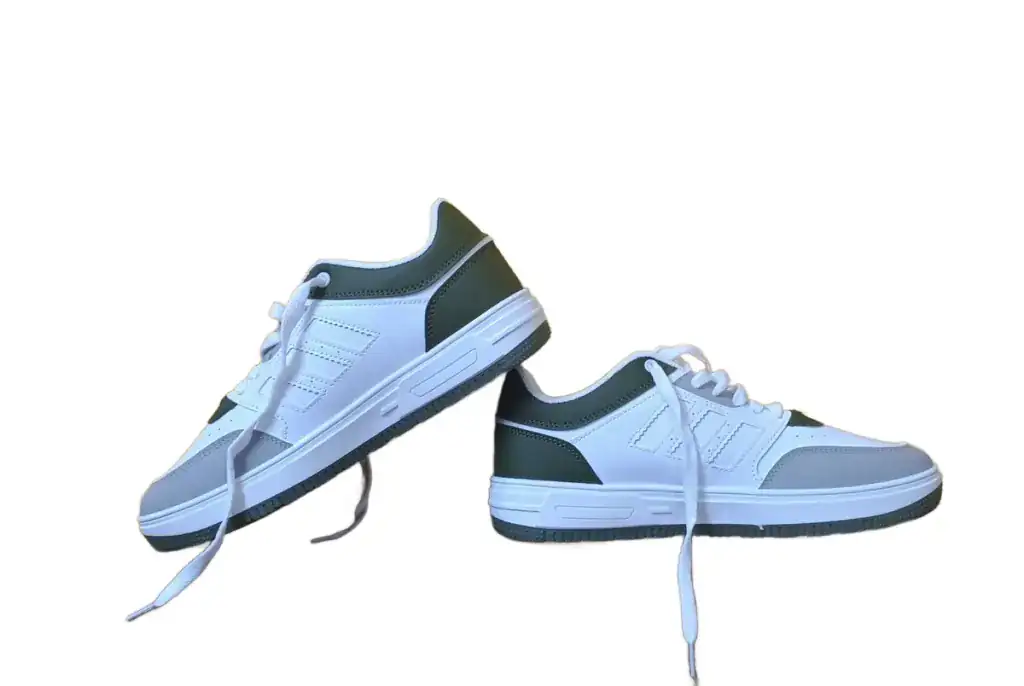
Laces, soles, and stitching stay crisp across the whole batch.


bulk.examples.items.wineglass-stack.caption
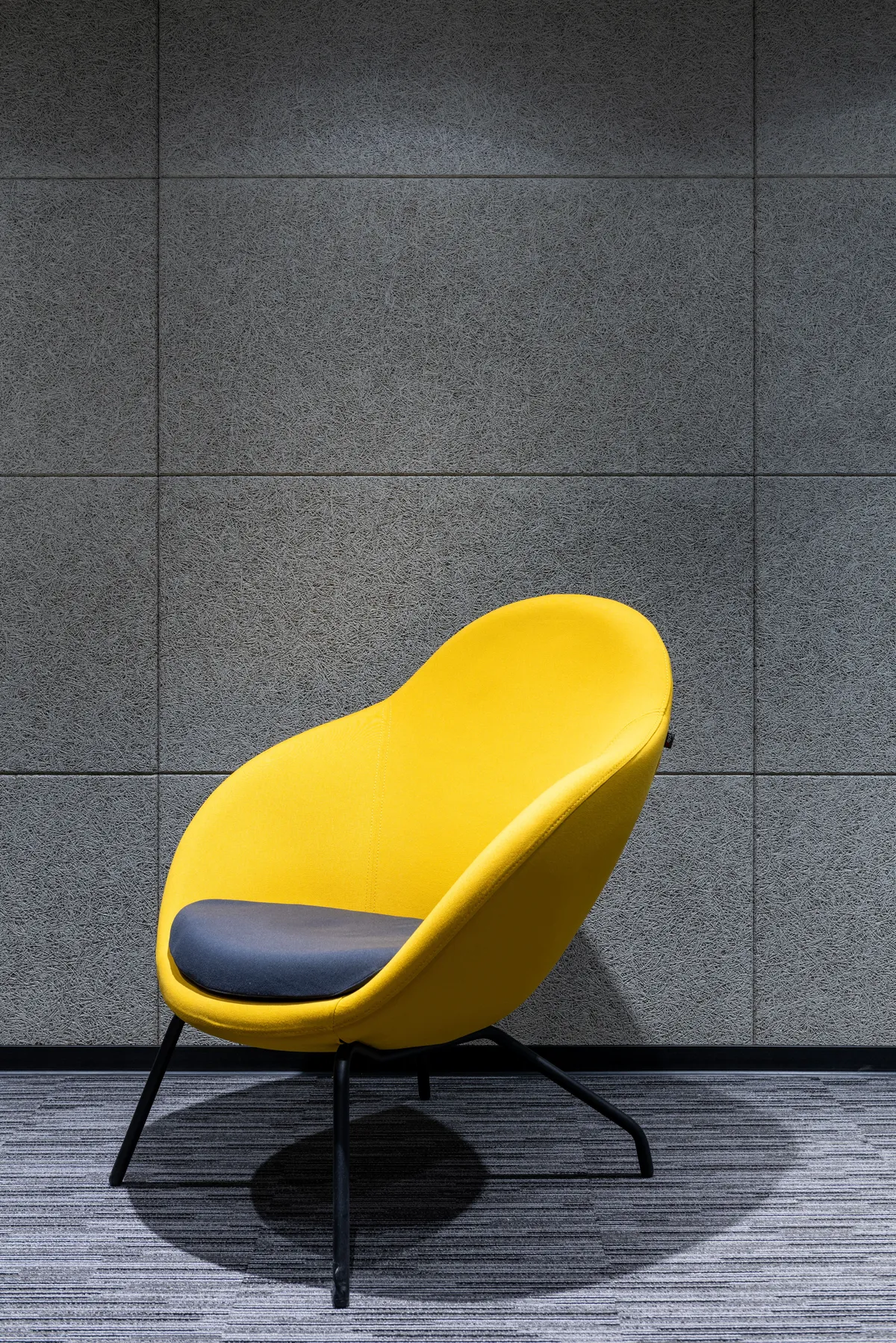
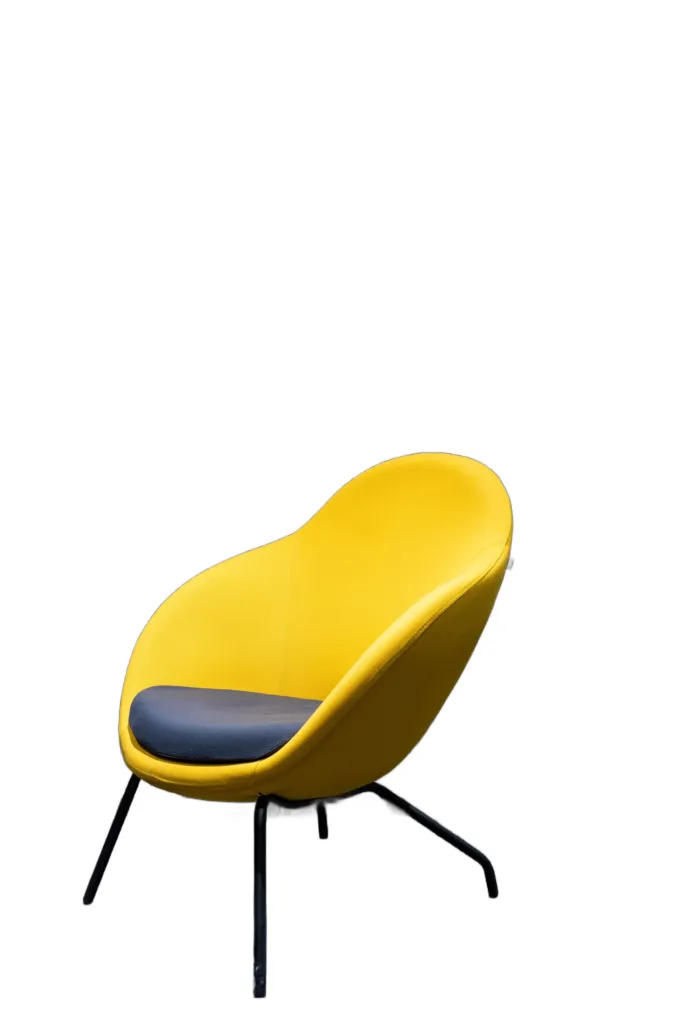
bulk.examples.items.chair-yellow.caption
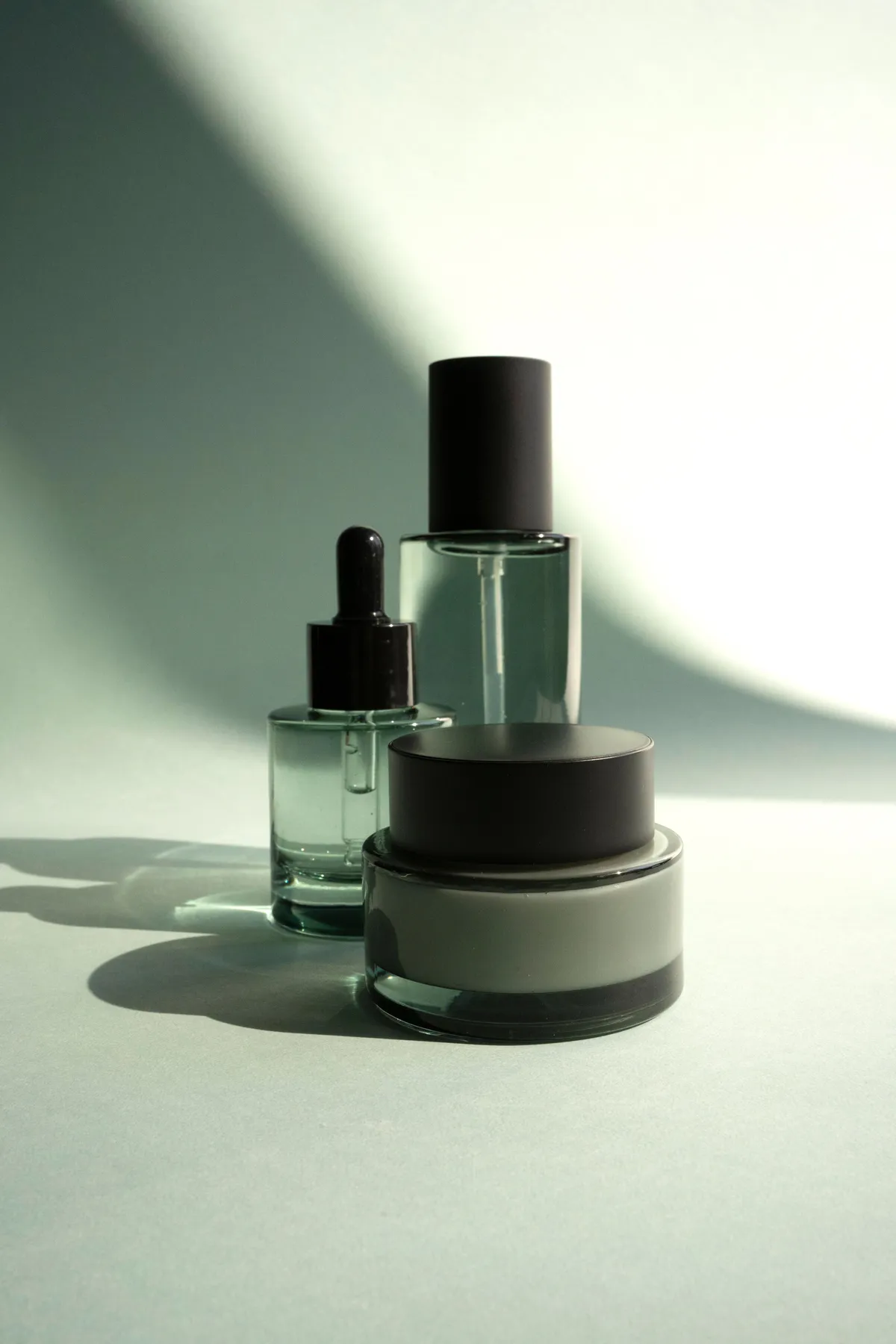
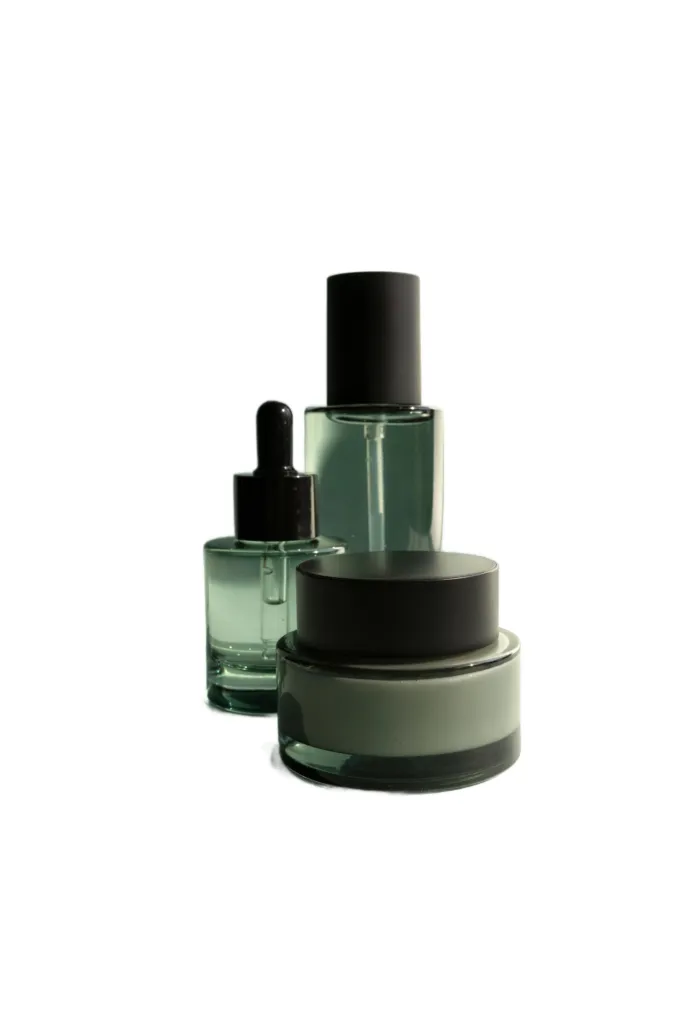
bulk.examples.items.serum-trio.caption
Amazon White Background Requirements, Met Automatically
Amazon's main-image rules are strict — and listings that break them can be suppressed from search. Here's what those rules cover, and how the tool above meets them.
Pure white, RGB 255, 255, 255
Main product images must sit on a pure white background — exactly #FFFFFF. Select the white swatch in the tool above, and your download is composited onto true white, with no off-white tint.
Product fills at least 85% of the frame
Amazon expects the product to fill at least 85% of the image. Shoot tight, or crop before uploading — the cutout keeps pixel-precise edges so nothing looks trimmed.
No text, logos, watermarks or props
Main images can't include graphics, badges, inset images or accessories that aren't part of the product. A clean cutout on white passes this check by design.
Non-compliant listings get suppressed
Amazon can suppress listings whose main image breaks the rules — they disappear from search until fixed. Swapping in a compliant white-background photo restores visibility.
Processing a whole catalog? Convert up to 100 images at once with the bulk background remover
How to Remove a White Background From an Image
Here is how to remove a white background from an image, free and online, in three steps: upload, let the AI cut out the subject, then download — either a transparent PNG (the white removed to transparent) or the subject composited on pure white. No software, no account, no watermark; product shots, portraits, logos, and scans all work.
Removing a white background works the same whether the white is a studio backdrop, a scanned page, or an overexposed wall — the model separates the subject from whatever sits behind it. And because the white swatch is pre-selected on this page, the same three steps also answer the reverse job: putting a clean white background onto a photo that never had one.
1Upload your image
Click, drag & drop, or paste a PNG, JPEG, WebP or HEIC up to 10MB. Studio shots on white, busy backgrounds, scanned signatures — the AI handles them all. iPhone photos work too — HEIC converts right in your browser, nothing to change and nothing to convert first.
 2
AI removes the background
The model detects the subject and cuts it out with pixel-precise edges — hair, fur, and fine product details included. Most images finish in 1 to 7 seconds.
3Make the background white — or keep it transparent
White is pre-selected: preview your subject on pure #FFFFFF and download a marketplace-ready image, or switch to the transparent swatch for a true alpha-channel PNG. Both exports are one click, and swapping between them is free and unlimited.
Make Any Background White — Free, Whatever You Need It For
Use it as a white background photo editor: upload any portrait, product shot, or scan and add a white background to the photo in one click — pure #FFFFFF, previewed live and composited in your browser. For colors beyond white, use the change photo background tool — 35+ presets and a custom hex picker.
Ecommerce main images
Turn supplier photos and phone shots into main images on pure white, ready for Amazon, Shopify, and eBay — no photographer, no Photoshop.
White-background ID photos
Passports, visas, driver's licenses, and work badges usually call for a plain white or off-white background. Re-shoot at home and swap the background in seconds.
Resume & LinkedIn headshots
A portrait on clean white reads professional everywhere — resumes, LinkedIn, company directories, and conference bios. No studio visit needed.
Social media avatars
A crisp white-background avatar stays legible at tiny sizes and matches any platform theme — light mode, dark mode, or embedded in your own designs.
Remove white background FAQ
Free quota, Amazon rules, white backgrounds, and your privacy — answered.
Remove your first background now
Remove a background with AI in seconds — upload a photo and get a transparent PNG. Free, no signup, no watermark.