Add a Shadow to Any Photo in Seconds
Remove the background, then drop a soft shadow, a perspective ground shadow, or a mirror reflection — rendered on your device, exactly the same every time.
No image handy? Try a sample (doesn't count toward your daily limit):
Free: soft drop shadow in three strengths, exports up to 1024px. Any paid plan — subscription or credit pack — unlocks ground shadows, reflections, and full resolution.
Why add a shadow
A clean cutout floats in space. A shadow puts the product on the ground — and buyers trust what looks real.
From floating to grounded
A cutout on a plain background looks pasted on. A contact shadow anchors the product — the single biggest thing that makes a product photo look real.
Three effects, one click each
Soft drop shadow for a gentle lift, perspective ground shadow that touches the floor like a studio shot, and a mirror reflection for glossy surfaces.
Same result every time, not AI guesswork
No model, no waiting, no surprises — the shadow is drawn from your cutout's real edges on your own device, so it looks the same every time.
Real shadows, rendered by the tool
Every image below was produced by the same engine that powers the tool above, on the light-gray background preset — no Photoshop, no mockups.
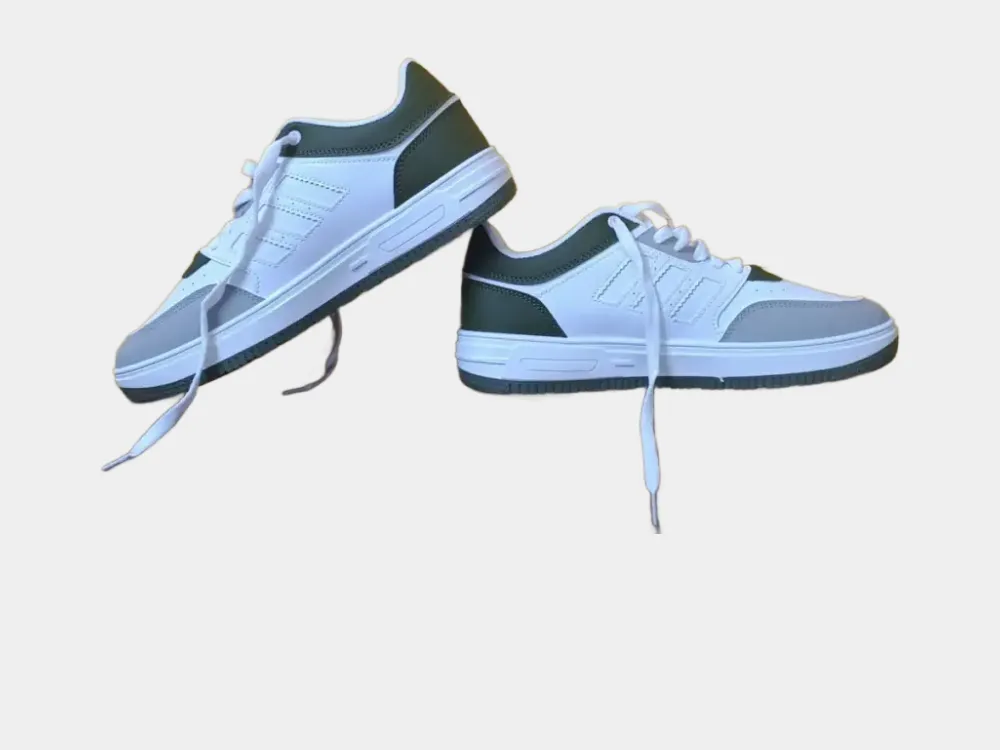
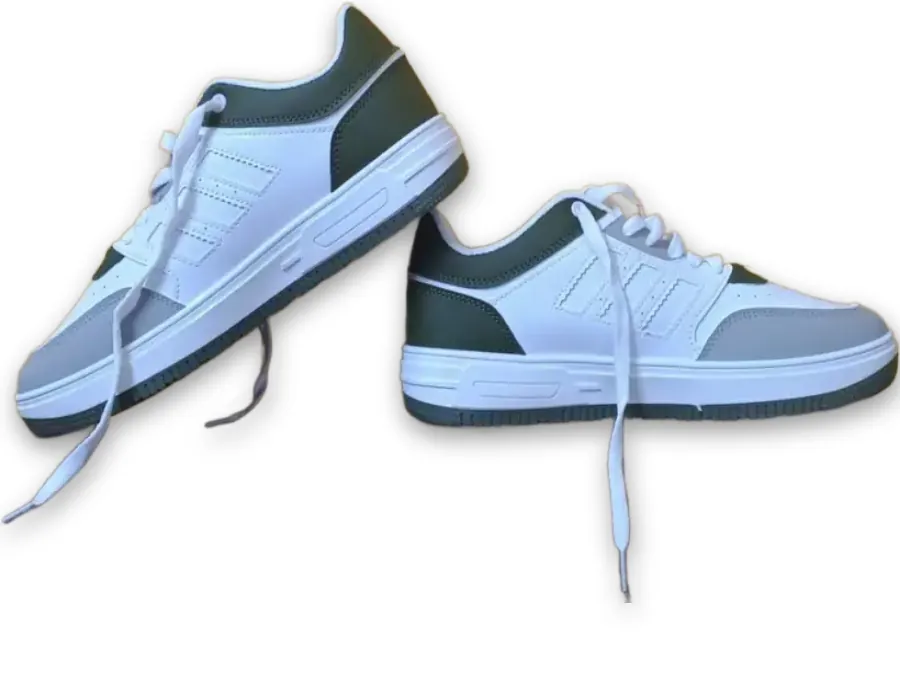
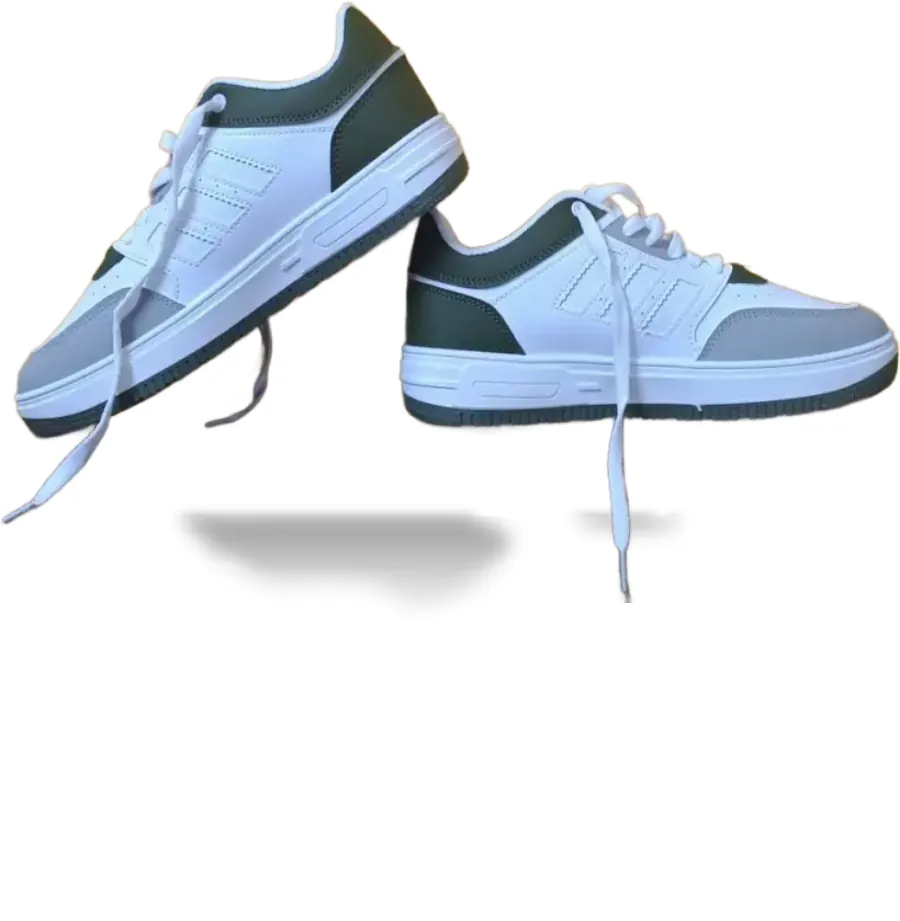
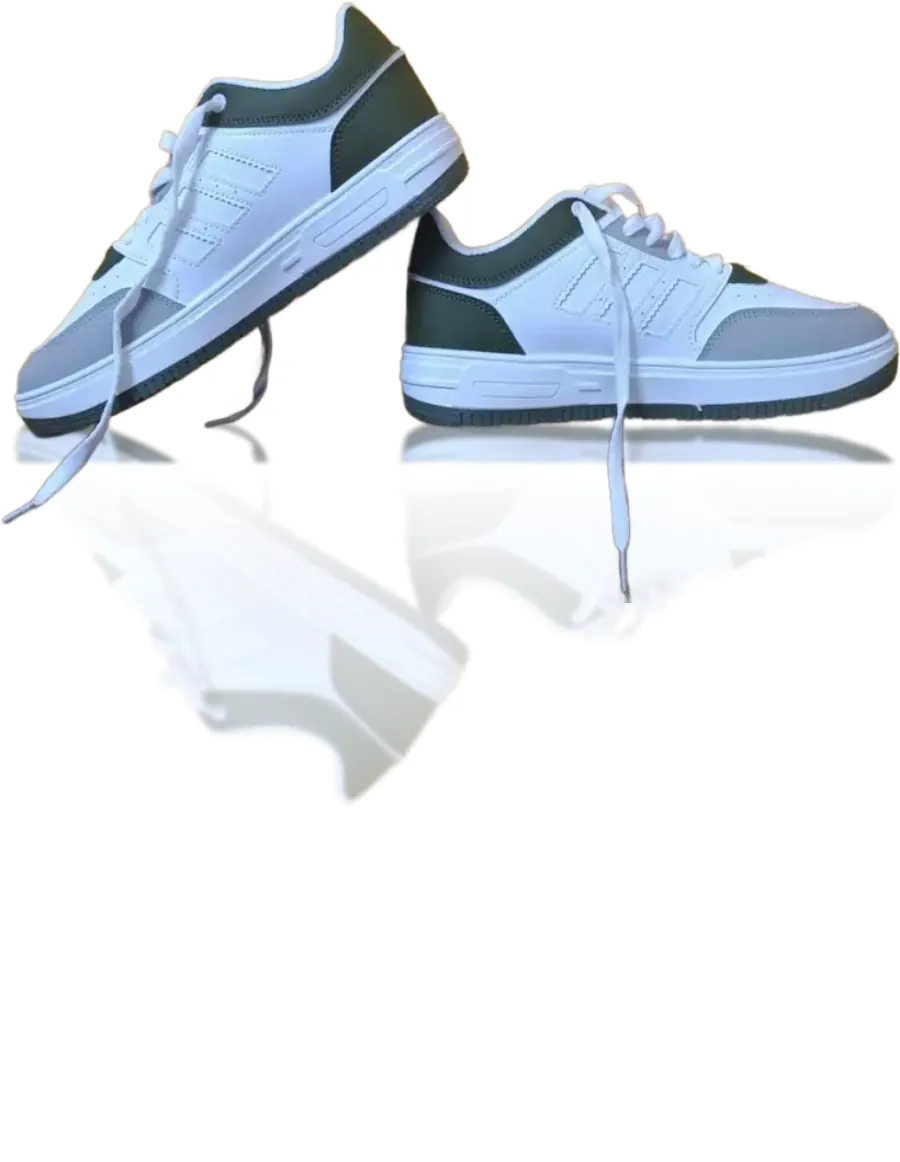
One pair of sneakers, four ways — the ground shadow and the reflection take the shoes off the empty backdrop and put them on the floor.
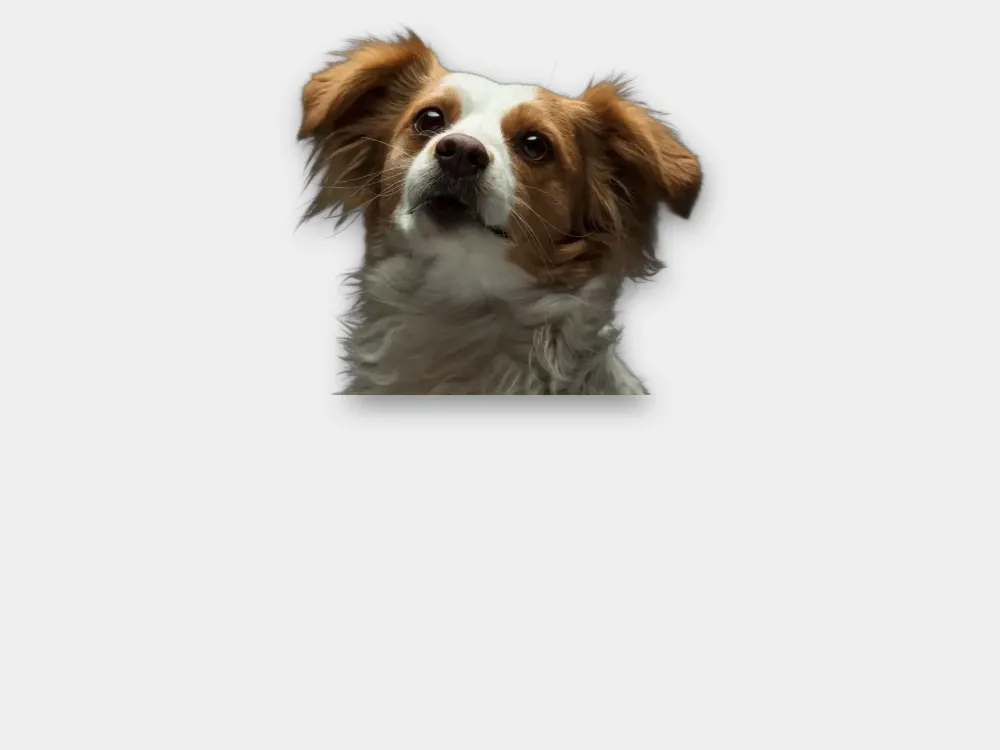
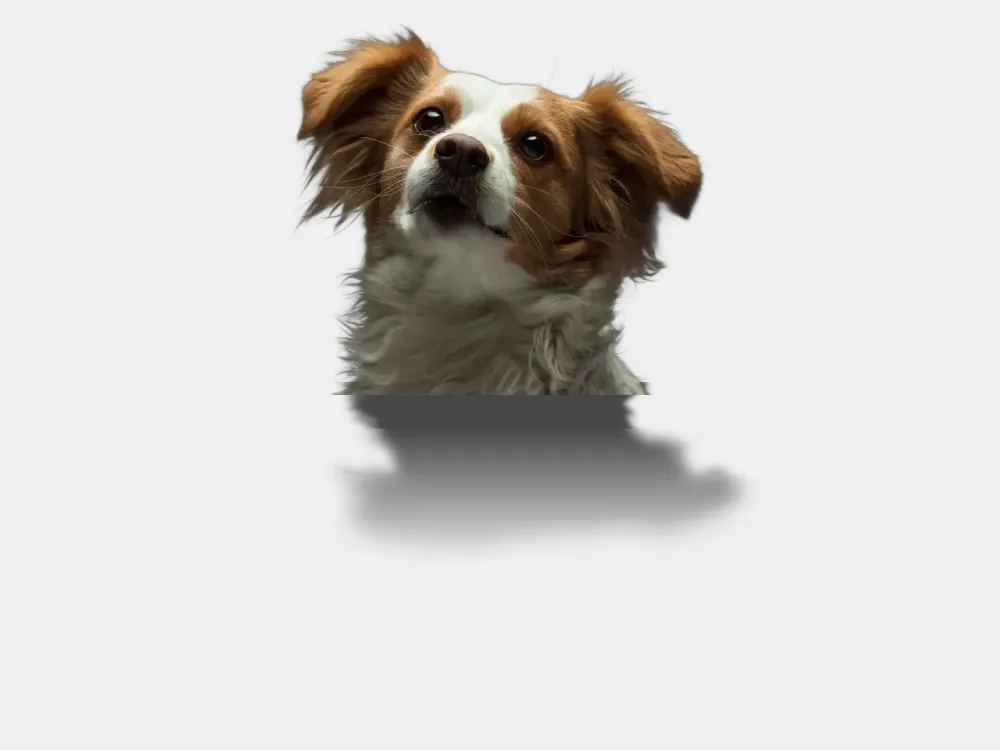
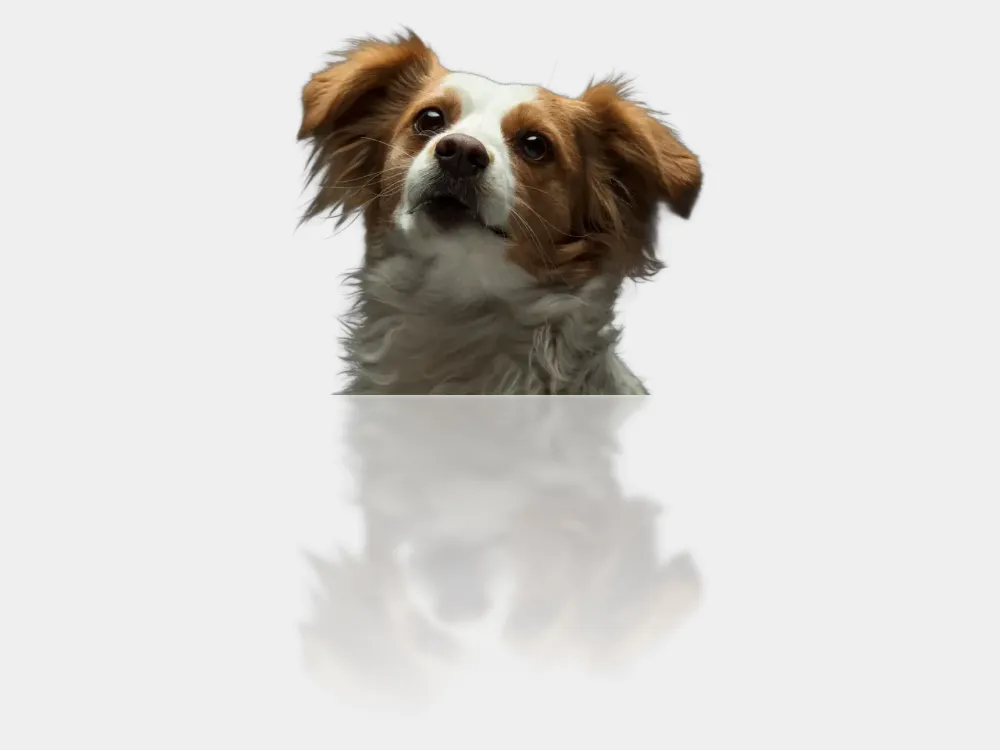
A papillon's fur, strand by strand — the ground shadow keeps the loose hairs, and the reflection carries the same detail.
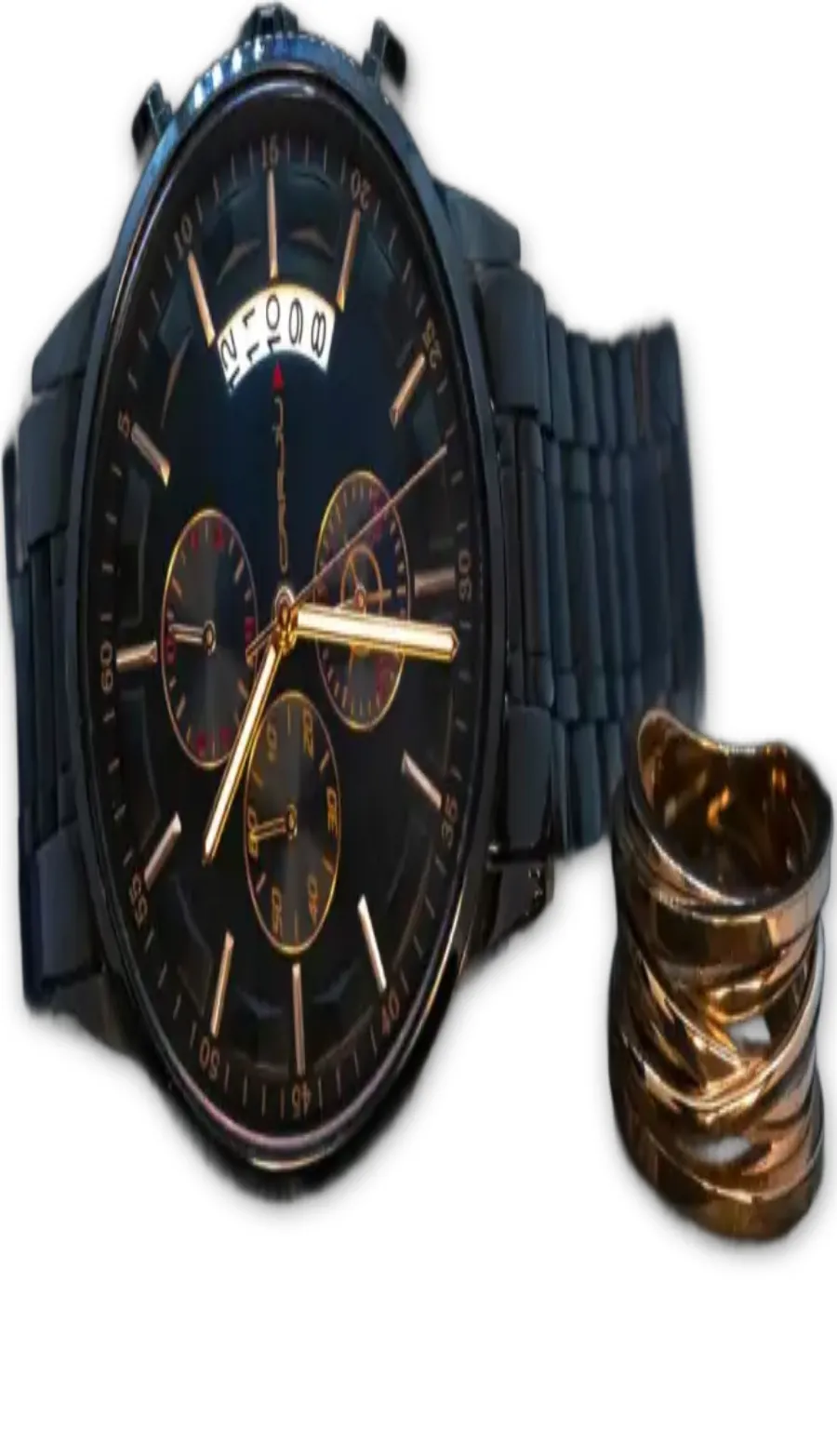
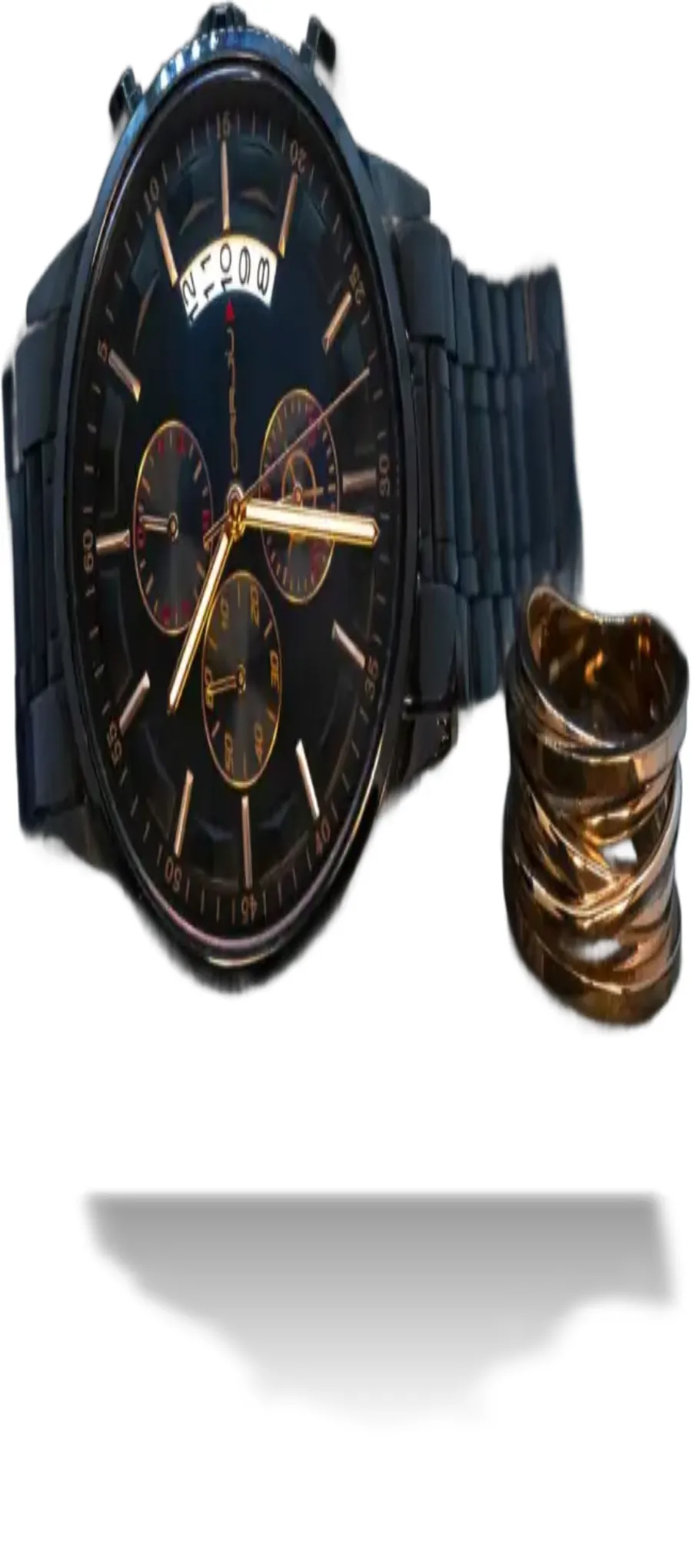
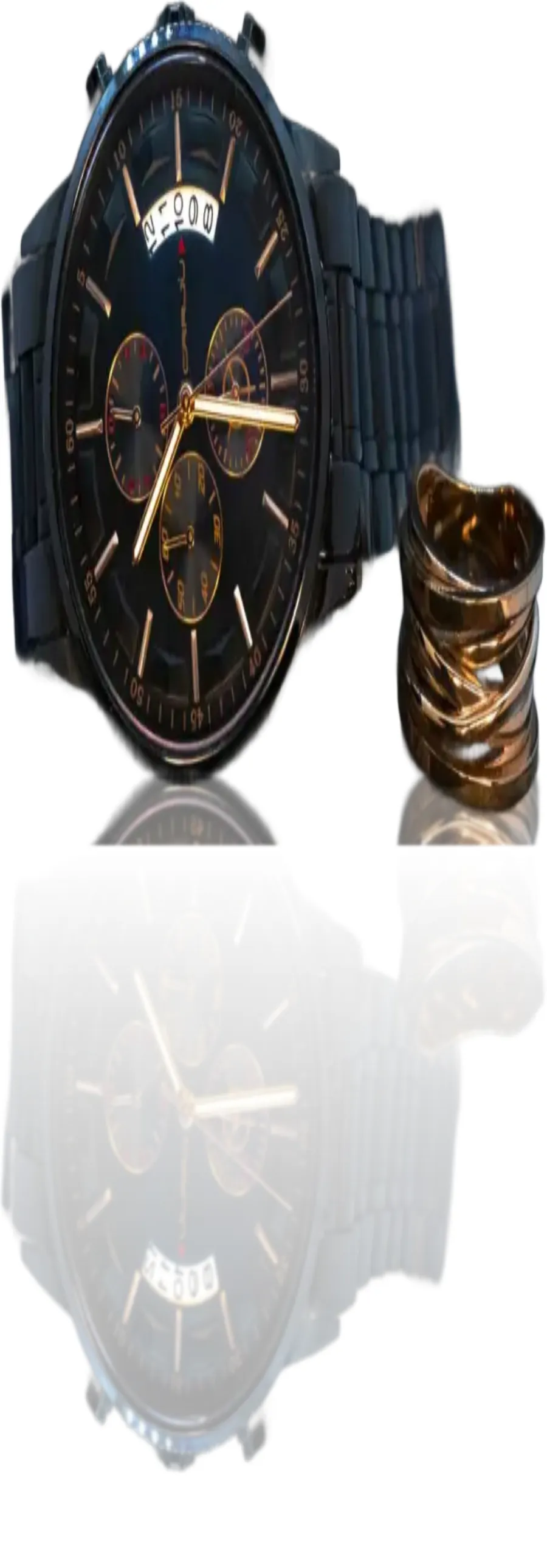
A chronograph and gold rings — the ground shadow anchors the metal to the surface instead of leaving it in mid-air.
How it works
Three steps from photo to grounded product shot.
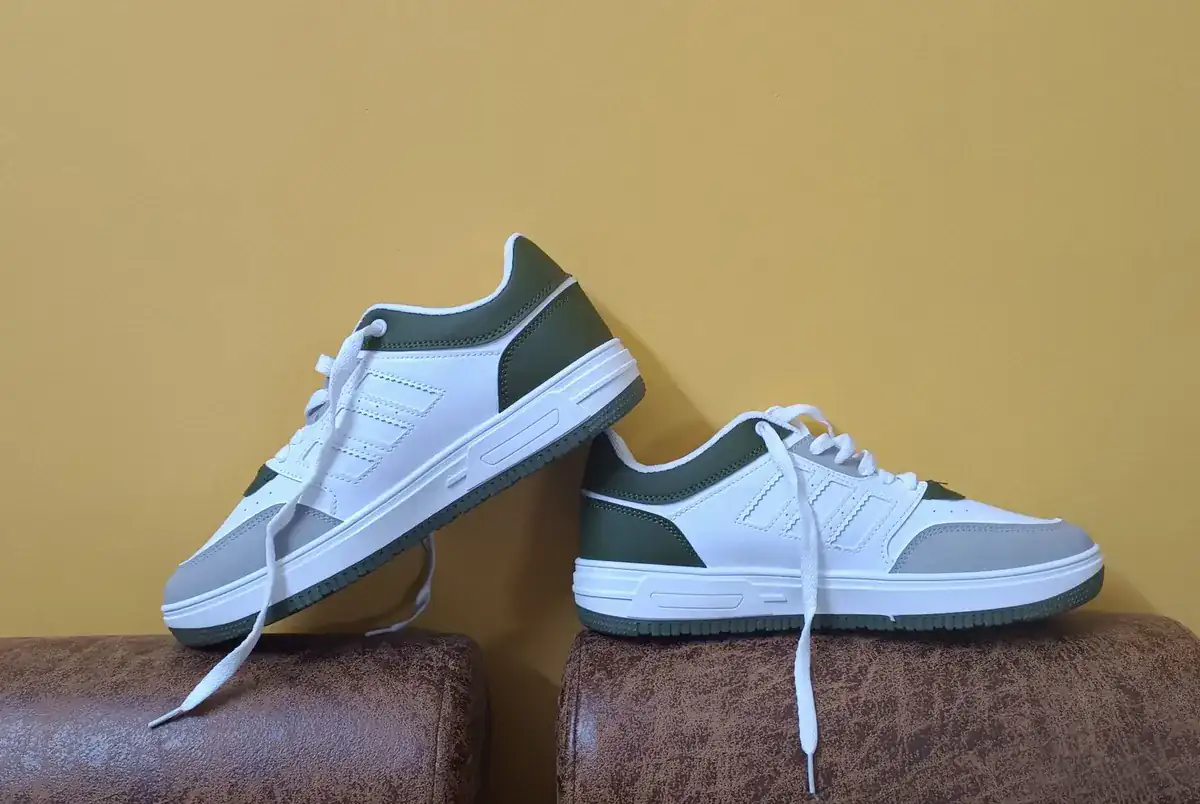 1
1Upload a photo
Any background — the AI cutout takes seconds. Product photos with the item fully in frame work best.
2Pick a shadow
The drop shadow is free, in three strengths; ground shadow and reflection come with any paid plan. Tune intensity, blur, and direction with a live preview.
3Download the result
Export at exact pixel dimensions on any background — shadows stay inside transparent PNGs, and they work inside marketplace presets too.
Shadow effects FAQ
Why shadows matter, what's free, and how it works.
Remove your first background now
Remove a background with AI in seconds — upload a photo and get a transparent PNG. Free, no signup, no watermark.