How to change background color of photo (free)
Change a photo's background color online in about a minute — white for marketplaces, blue or red for ID photos. Free, no signup; the exact path per scene.
 BackGone Team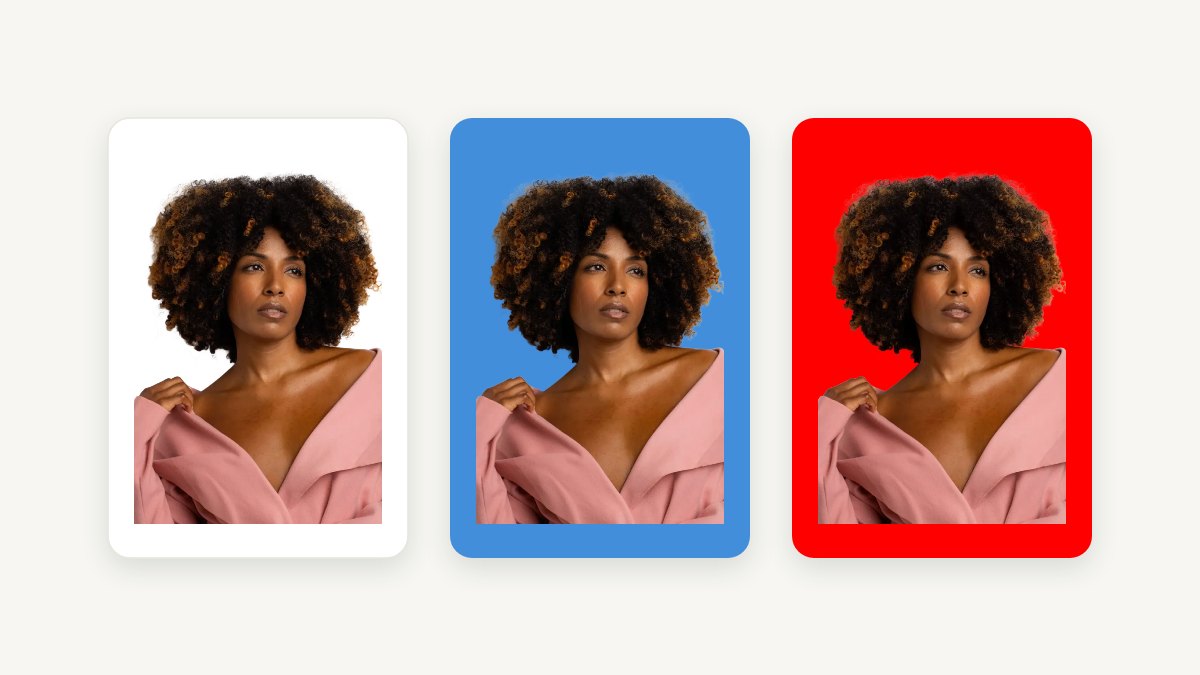
Swapping a photo's background color is one of those jobs that sounds like it needs Photoshop and usually doesn't. A product shot that must go white for Amazon, a headshot that needs ID-photo blue, a listing photo that looks better on dark — in each case the work is the same: cut the subject out once, drop a solid color behind it. This guide gives you the online path that takes about a minute, then the per-scene routes (because "white for Amazon" and "blue for a visa" are different jobs), and finally the Photoshop route for when you genuinely need it.
Method 1: online, about a minute
The fastest path is an online background remover with solid-color fills built in — that is what our background color changer does:
- Upload the photo. No account needed.
- Click the color you want — white, black, ID-photo blue, red, or any hex color under "More colors."
- Download the JPG/PNG.
Most photos are processed in seconds; large camera originals take up to ~20 seconds. The free tier is 2 images a day anonymously (1024px output), 5 a day with a free account, and full resolution with any paid plan — credits never expire, so a one-off project doesn't force a subscription.
Same cutout, four backgrounds, no re-editing in between:
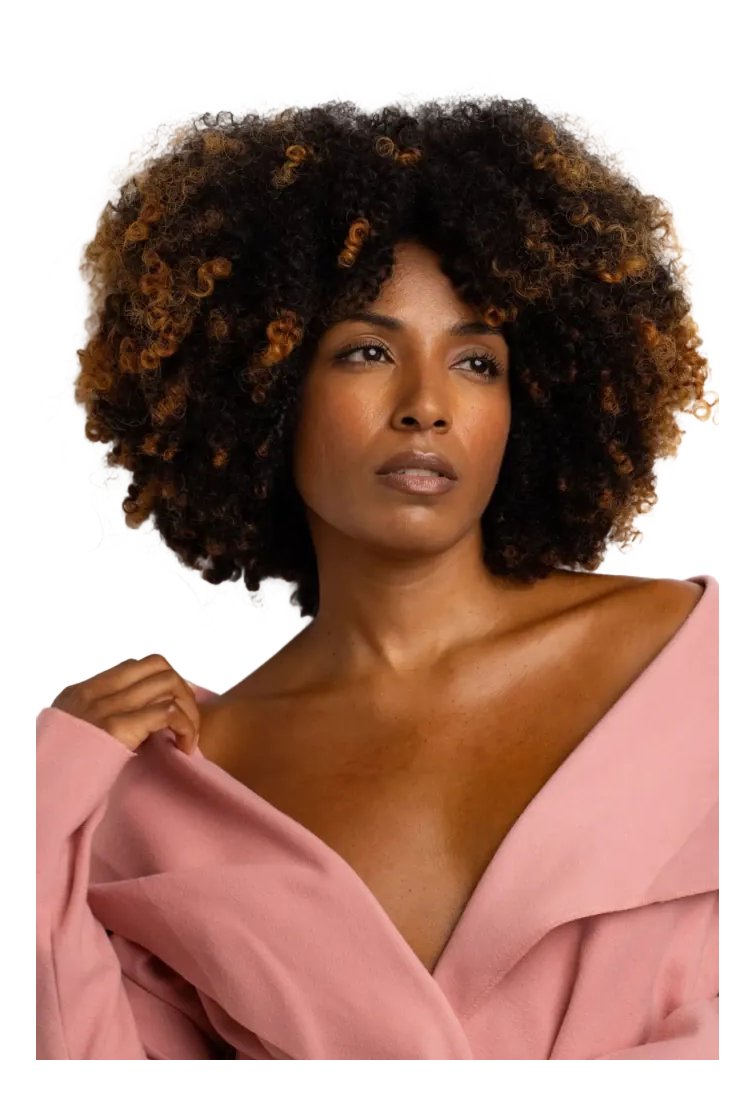
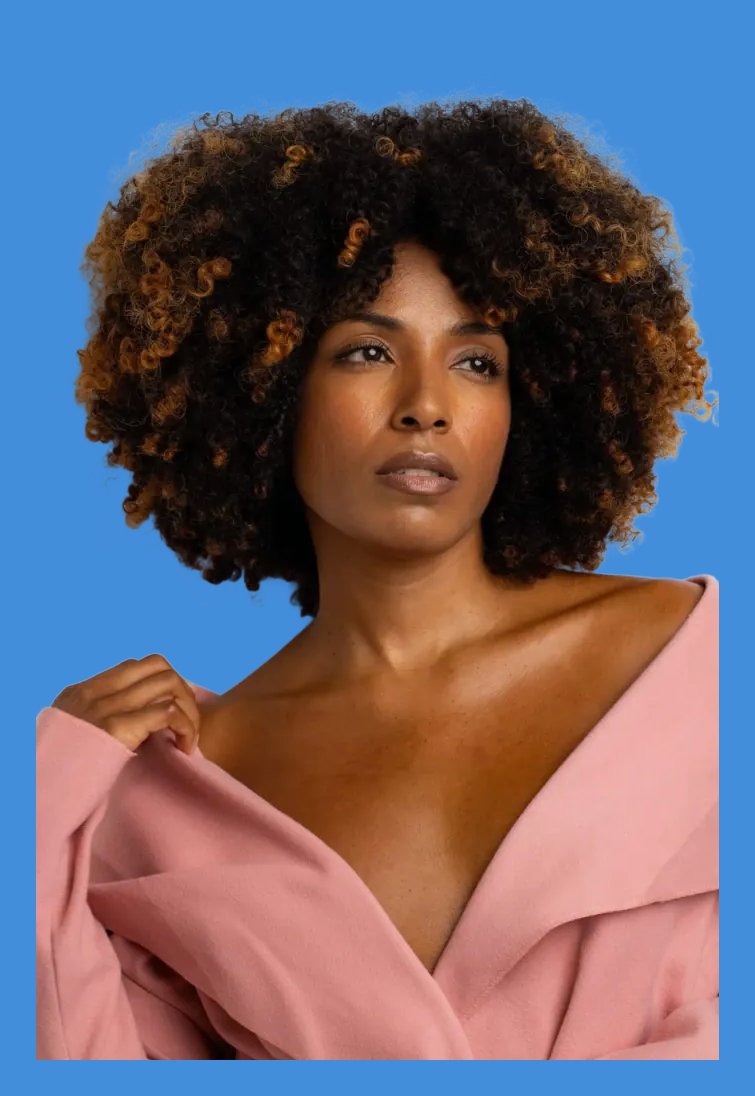
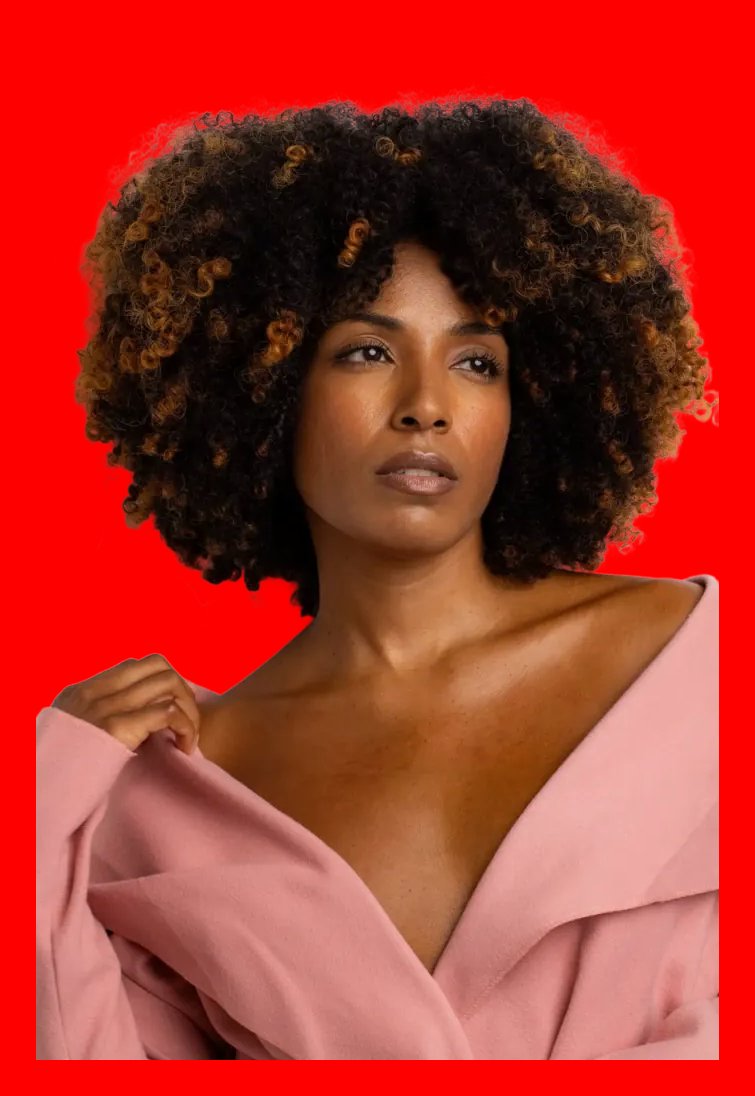
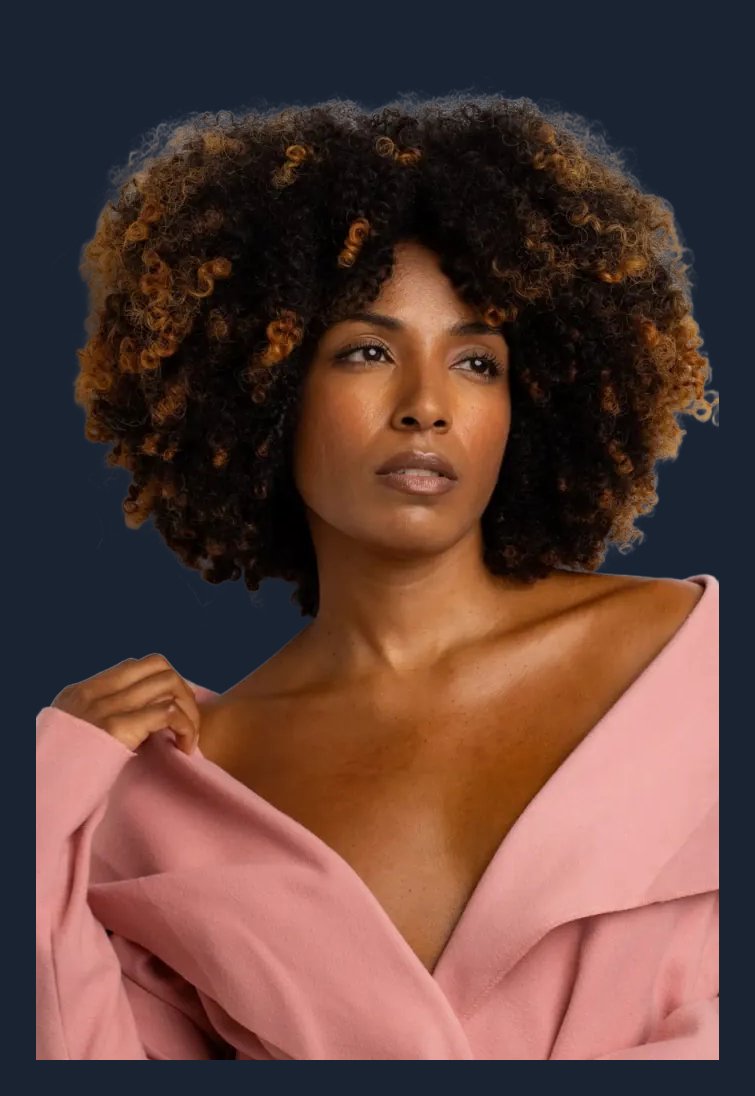
One cutout, four backgrounds — the AI separates the subject once; recoloring after that is instant.
Pick the route by scene
"Change the background color" means different things depending on where the photo is going. The right tool saves you a second editing pass:
Amazon / Shopify / eBay product photo on white
- Go to
- [Marketplace presets](/marketplace-presets)
- Why this one
- Checks Amazon’s three hard rules (pure white, ≥85% fill, minimum size) and exports every platform’s exact size as a ZIP.
Passport, visa or ID photo on blue / red
- Go to
- [ID photo tool](/passport-photo-background-remover)
- Why this one
- Pick the country and the background together — 35×45mm Schengen, 2×2 inch US, and more, cropped to the official spec.
You already have a photo and wonder if it will pass
- Go to
- [Free photo check](/photo-check)
- Why this one
- Compares your existing file against the official rules — size, head height, background — before you redo anything.
Any other solid color, one photo, right now
- Go to
- [Background color changer](/change-photo-background)
- Why this one
- 35+ swatches plus custom hex, in the browser, nothing to install.
Method 2: Photoshop (or the free twin, Photopea)
Search engines see thousands of "in Photoshop" queries a day, so here is the honest version — use it when the photo needs retouching anyway, or when you already live in Photoshop:
- Select the subject. Select → Subject does the first pass; Select and Mask cleans hair edges with the refine brush.
- Add a solid fill layer in your target color underneath the cutout.
- Decontaminate the edge in Select and Mask (removes the old background’s color fringe) — this is the step most people skip, and the one that makes white backgrounds look cheap when missed.
- Export as JPG or PNG.
Photopea (free, browser-based) follows the same steps if you don't have a Creative Cloud subscription. For one photo, one color, the online tool above is simply faster; for a batch of fifty with consistent retouching, Photoshop earns its keep.
On a phone
Both methods work on iPhone and Android browsers without installing anything — upload from the photo library, tap a color, download. If you have been searching for a "phone software" solution: the browser version is the shortcut.
Frequently asked
Does it cost anything? The free tier runs every tool: 2 images a day with no account, 5 a day with a free account, output capped at 1024px. Paid plans and never-expiring credit packs remove the cap and add full resolution plus a commercial license.
Will the edges survive a color swap? A hard background change is where bad cutouts show — colored fringes from the old background. A good cutout engine keeps hair and fur strands intact; our background removal quality guide shows what to check before you trust any tool with a marketplace listing.
Can I use the recolored photo commercially? On the paid tier, yes — the license attaches to each paid result permanently, even if your balance later hits zero.